EditableImage
The editable image studio

Convert images into editable files.

Turn flat images into editable PowerPoint slides, Draw.io diagrams, layered PSD files, or formatted text. Compare the original and edit the result online.

Keep the originalReview every result
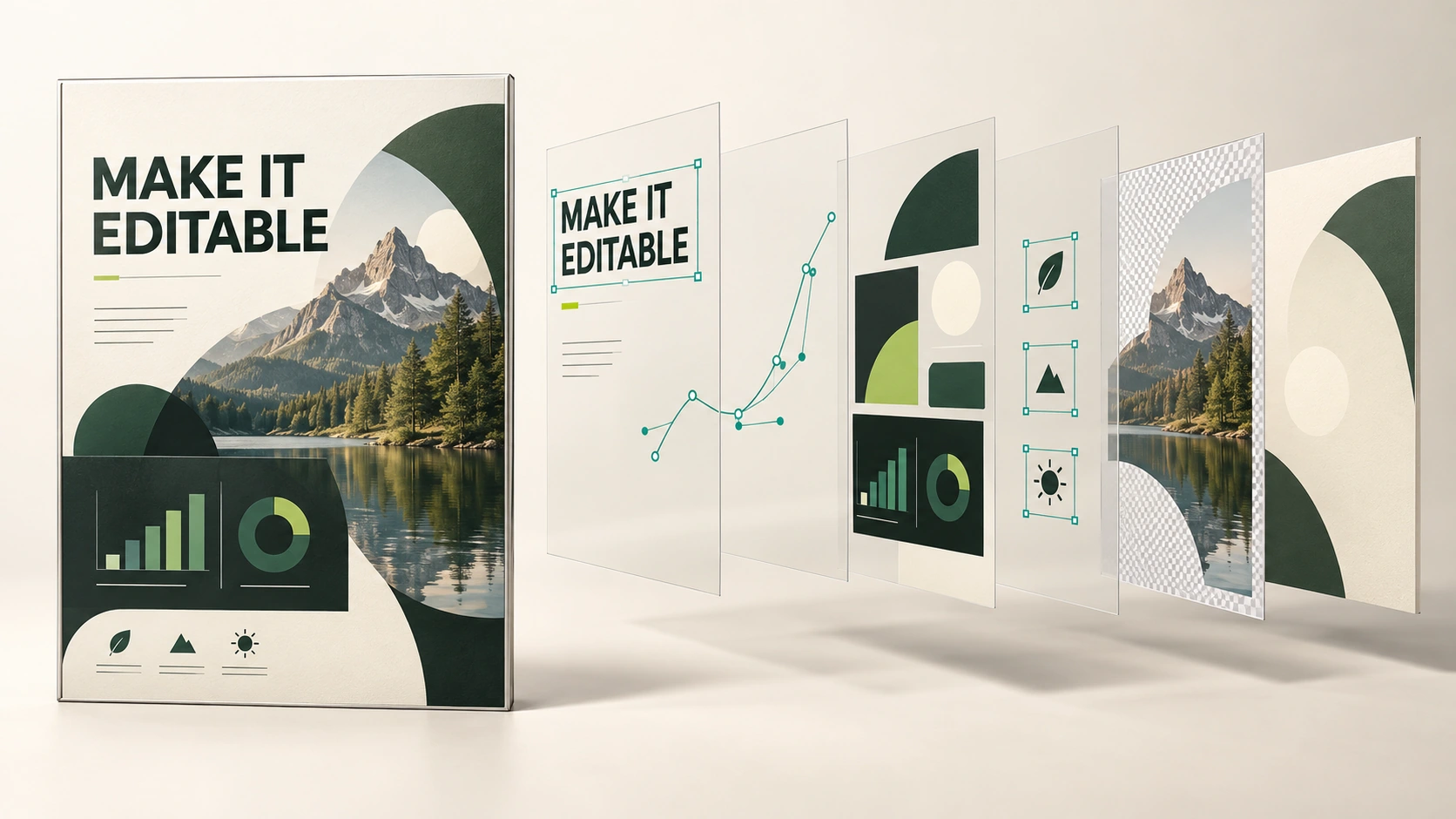
From flattened to flexible01 / 05
A finished poster separated into movable text, chart, icon, mask, and background layers.
01 / Find your workflow

Choose the editable file you need

Pick the result you want. Each workspace opens with its own upload and editing tools.

02 / Compare every result

Compare each image with its editable result

All five workflows are shown below. Compare each original with its recovered result, then use the highlighted control to verify what became editable.

Image to PPT01 · Editable PPTX

Convert an image into an editable PowerPoint slide.

Text and simple layout elements come back as real objects sitting over a rebuilt background — so retyping a title does not take the design apart. Complex charts and photos may remain images.

Original and result shown togetherTry the highlighted control · no upload needed
Use your own image
Input → result
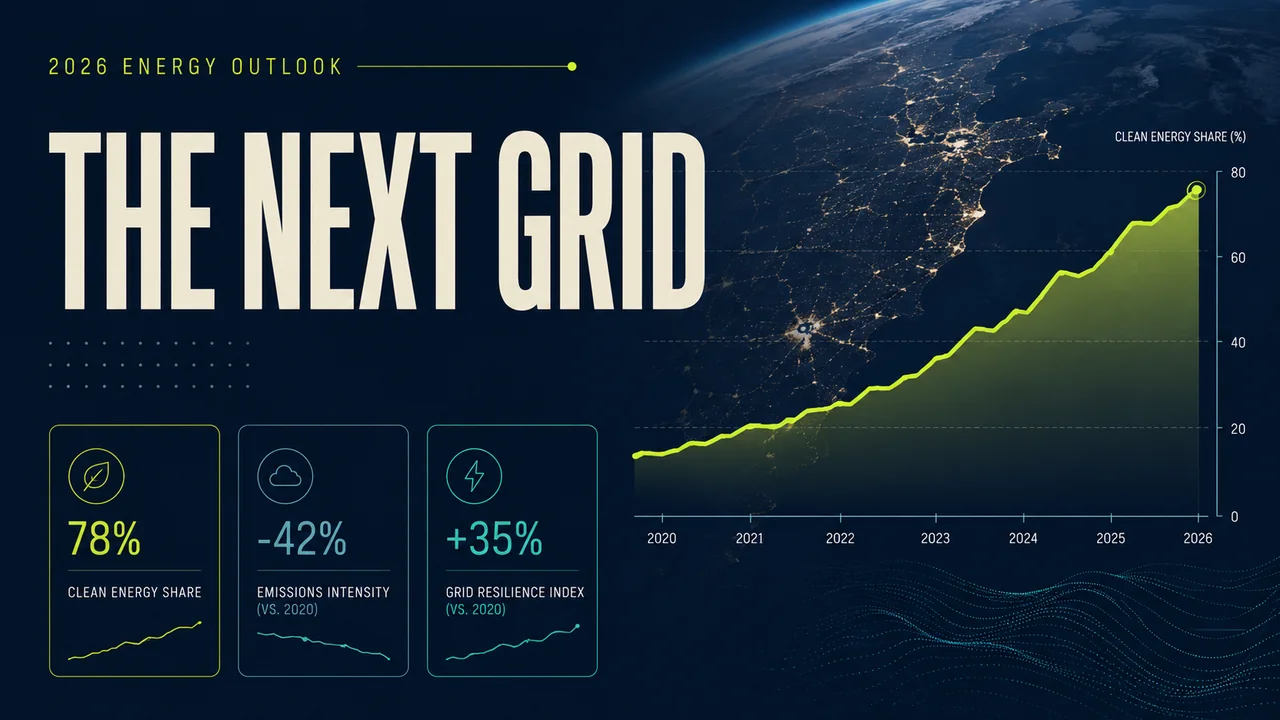
Original imageOriginal input: A slide of photographs and headline text, the kind this recovers into editable objects
Editable result
A slide of photographs and headline text, the kind this recovers into editable objects
12 editable objects
Selected: Title
Same source, recovered structure12 native slide objects
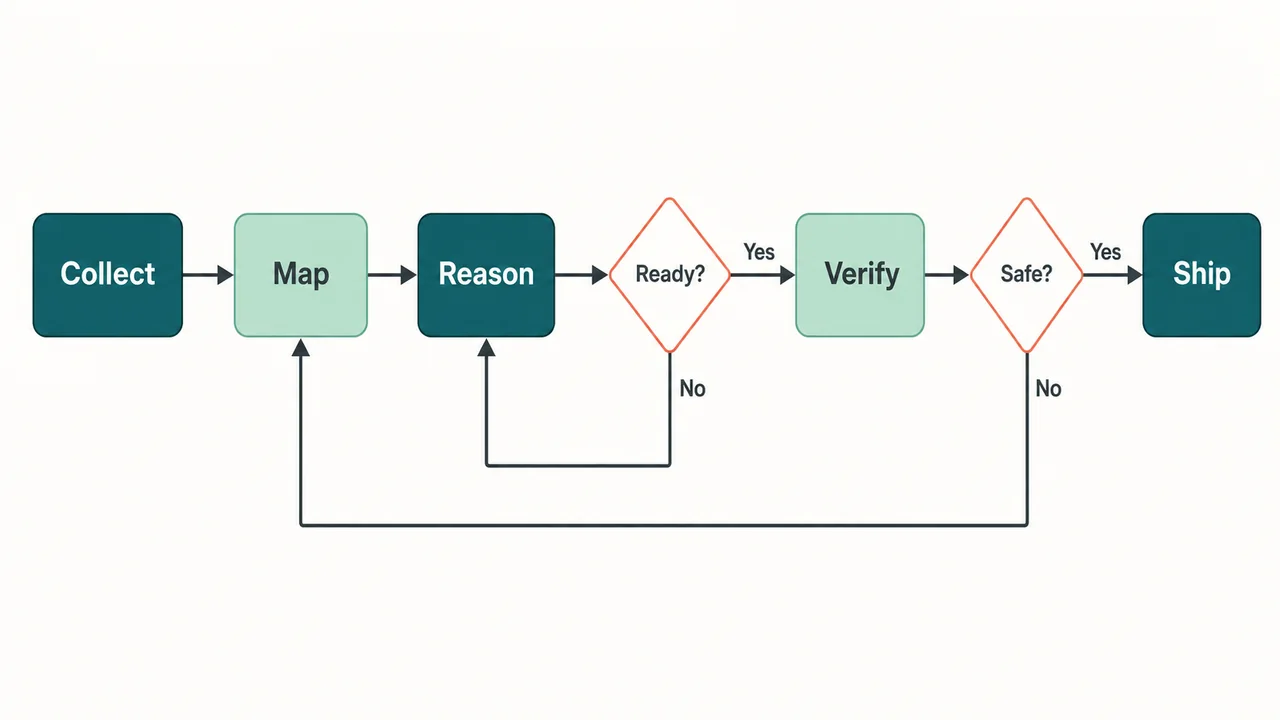
Image to Draw.io02 · Draw.io XML

Convert a diagram image into editable Draw.io nodes and connectors.

The shapes come back attached to their arrows, so you can drag a box and the lines follow it — then keep working in the Draw.io editor you already know.

Original and result shown togetherTry the highlighted control · no upload needed
Use your own image
Input → result
Original imageOriginal input: A technical diagram of the kind this recovers as nodes, labels, and connectors
Editable result
BrowserCDNLoad balancerAuth serviceOrdersSearchPaymentsPrimary DBCacheMessage queue
API gateway

4 bound connectors

Drag “API gateway” — its lines follow
Same source, recovered structureNodes and connectors stay attached

Edit text in an image03 · PNG

Edit text in an image without changing the rest.

Mark the words, type the replacement, and review the new image. Only the marked lines are taken from the redraw; everything else stays your original.

Original and result shown togetherTry the highlighted control · no upload needed
Use your own image
Input → result
Original imageOriginal input: A headline image of the kind this rewrites in place
Edited image
A headline image of the kind this rewrites in place, with the replacement already drawnHeadline changed · review the full image
Same source, visible changeChanged headline · review the full image

Image to Layers04 · PNG or PSD

Convert a flat image into editable PSD layers.

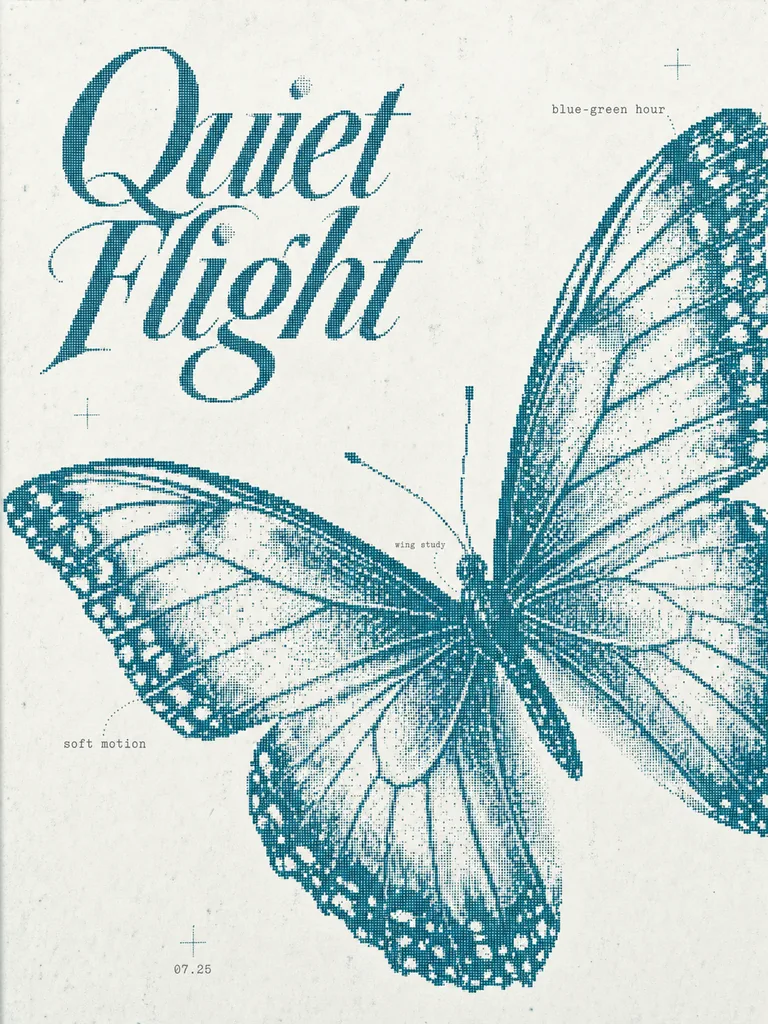
Built for generated artwork: the subject, the objects, and the writing each come off onto their own transparent layer over a rebuilt background.

Original and result shown togetherTry the highlighted control · no upload needed
Use your own image
Input → result
Original imageOriginal input: A halftone poster of a butterfly under the title Quiet Flight
Editable result
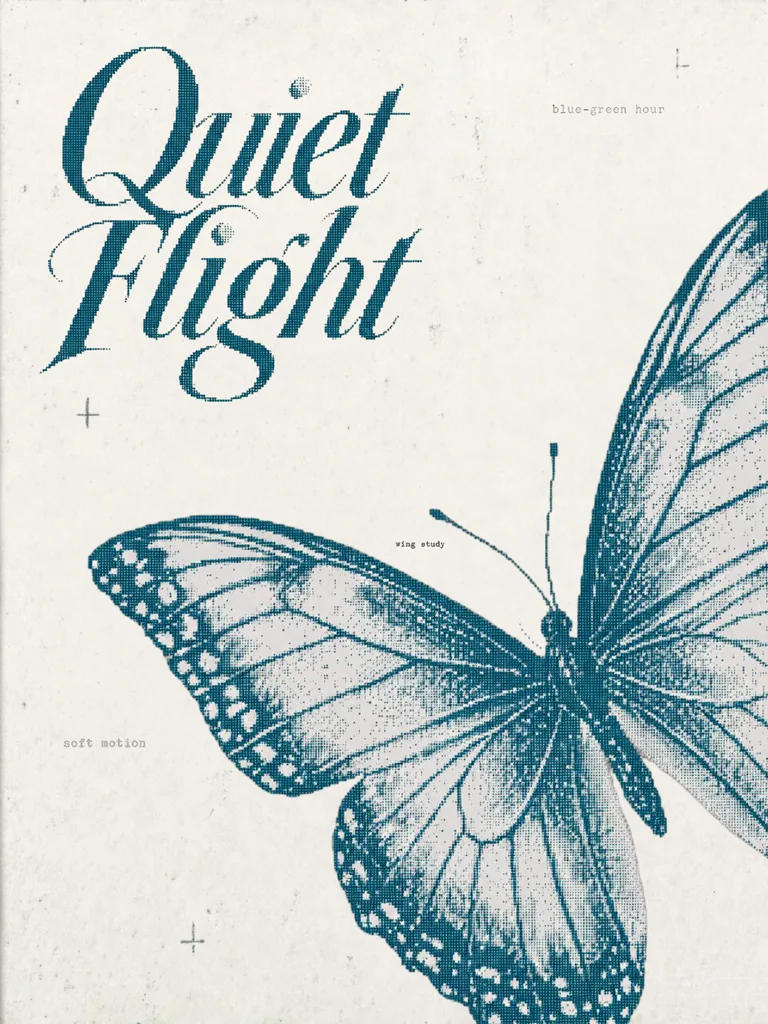
A halftone poster of a butterfly under the title Quiet Flight, separated into layers, with the butterfly moved
8 layers from one run
Same source, recovered structure8 layers from one real run

Image to Text05 · Markdown or TXT

Extract text from an image with its formatting and layout.

Not one flat block of words. The headings come back as headings, the lists as lists, and every block tells you the size, weight, and colour it was set in — then you can put the words back on the picture next door.

Original and result shown togetherTry the highlighted control · no upload needed
Use your own image
Input → result
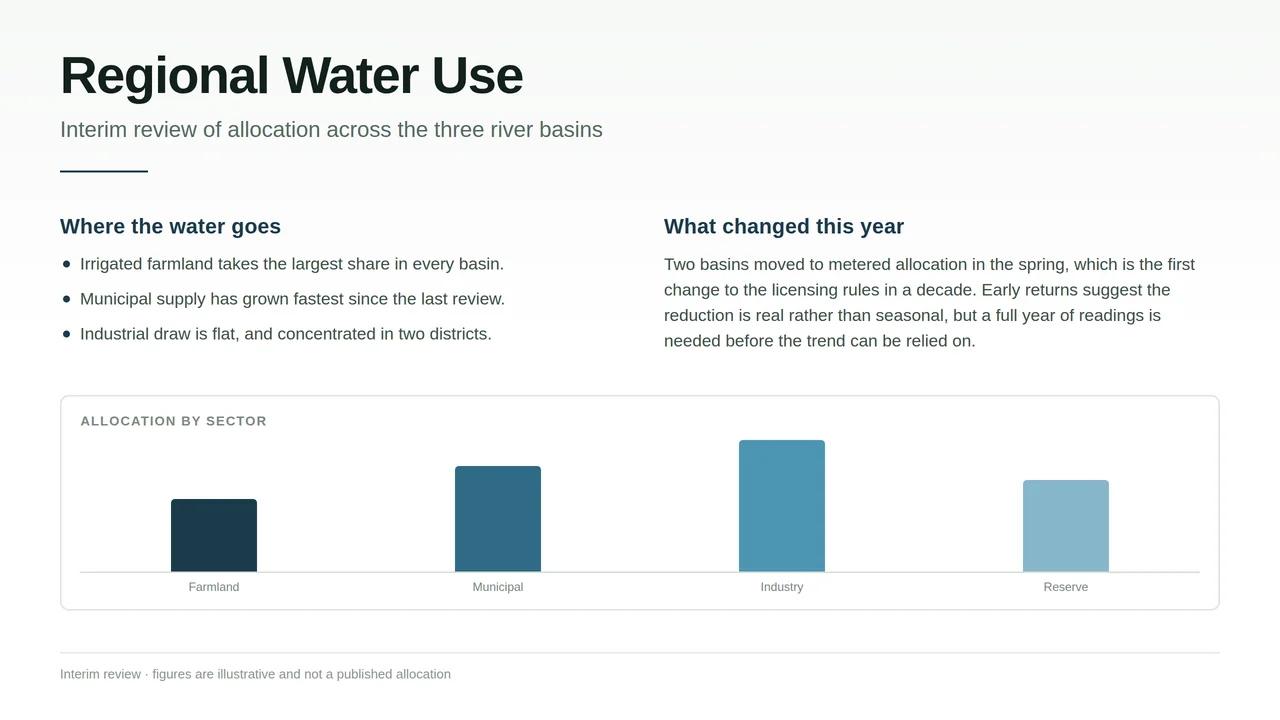
Original imageOriginal input: A report page of headings, a bulleted list, a paragraph and a bar chart, of the kind this reads
Editable result
A report page of headings, a bulleted list, a paragraph and a bar chart, of the kind this reads
Measured, not guessed

Title52px · 700 · #0E1B16

10 blocks · size, weight and colour
Same source, recovered structure10 structured text blocks
03 / The process

How image reconstruction works

From source image to an editable file in three clear steps.

01Recover

Text, objects, shapes, and connectors are detected for the output you chose.

02Review

Compare the editable result with the original and inspect uncertain layers before editing.

03Export

Download a real PPTX, Draw.io file, PSD, or finished PNG when the result is ready.

04 / Questions

Before you start

How to choose, what it costs, and what happens to your image.

Which tool should I use for my image?

Pick by the file you need out: a PPTX for slides, a .drawio file for diagrams, a layered PSD for artwork, a redrawn PNG for changing words, or Markdown and TXT for text with its formatting. Each tool page says what it recovers and what to check.

Can I try the tools for free, and do I need an account?

A new account gets 10 free credits without a card — enough for 2 conversions — and the tools need an account to run. There is no free tier beyond that: every run is paid in credits, and the cost is shown before you start.

What does each workflow export?

Image to PPT exports a real .pptx with recovered text boxes; Image to Draw.io exports standard .drawio XML; Image to Layers exports a layered PSD or PNGs; editing text exports a PNG; Image to Text exports Markdown or TXT.

What happens to my uploaded image?

It is sent to third-party AI services for processing and is never published. The copy on our servers is deleted after 24 hours, along with everything built from it, and your browser keeps a local working copy that clearing site data removes. The privacy page sets out the rest.

What if a run fails, or the result is wrong?

A conversion that fails refunds the credits it took, and a finished result reopens free from your account page for 24 hours. Recovered layouts and generated lettering always deserve a review — every tool page says what to check before you export.

Your next edit starts here

Start with the image you already have

Choose a workflow