 EditableImage
Convert a flat image into editable PSD layers.
Built for generated artwork: the subject, the objects, and the writing each come off onto their own transparent layer over a rebuilt background.
New accounts get 10 free credits — no card.
One run costs 4–24 credits, depending on returned layers, so that covers a first separation. Signing in is free and takes one click — the tools need an account to run.
Every new run is charged, including the same image uploaded again. Extra steps you ask for — another edit round, a further split — cost extra; a failed run refunds. See credit packs and pricing.
Image to LayersPNG or PSD
- Upload the artwork.
- Each element is separated onto its own transparent layer, over a rebuilt background.
- Move, hide, or retype a layer — export a flat PNG or a layered PSD.
Image to layered PSD at a glance
Image to Layers by EditableImage: Separate a PNG, JPG, or AI-generated design into movable subject, object, text, and background layers. Rearrange them and export a layered PSD.
- Input
- PNG, JPG, or WebP, up to 20 MB
- Output
- PNG or PSD
- Best with
- Generated artwork, product posters, illustrations, and visual compositions
- Processing time
- Usually 1–5 minutes
- Cost
- 4–24 credits per run (two per returned layer); new accounts get 10 free credits, no card
- Your upload
- Never published; the server copy is deleted after 24 hours
- Last updated
- 21 October 2026
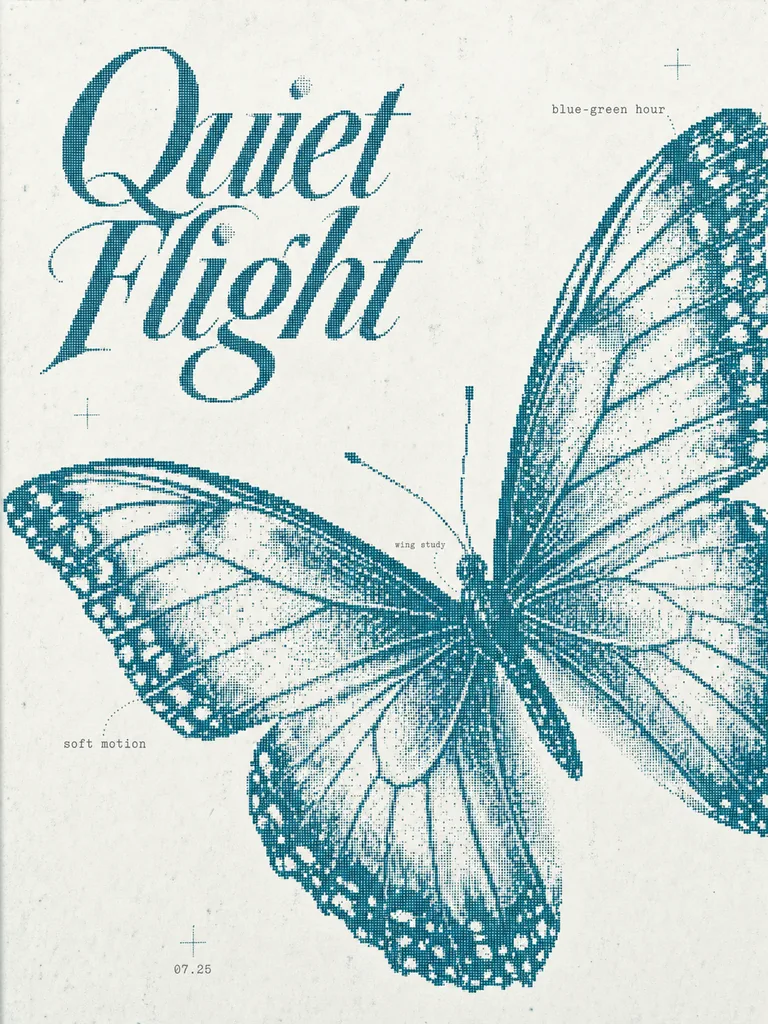
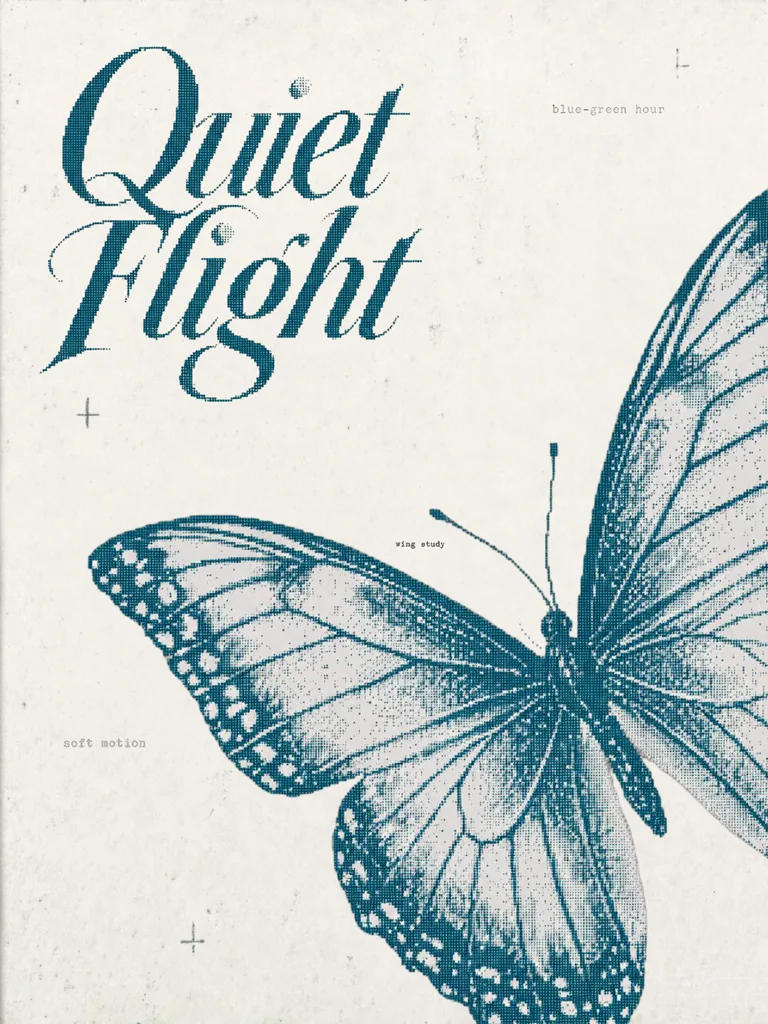
Compare the flat image with the separated layers
How image layer separation works
- 01Upload the artwork.
- 02Each element is separated onto its own transparent layer, over a rebuilt background.
- 03Move, hide, or retype a layer — export a flat PNG or a layered PSD.
When to split an image into layers
- AI-generated art you want to recompose instead of re-prompting.
- A poster where the headline has to move off the subject.
- Artwork you need to hand to a designer as a layered file.
Image to PSD and layers questions
One Photoshop layer per separated element, positioned where you left it, over the rebuilt background.
Background removal usually cuts out one subject. This workflow attempts to separate several elements and rebuild the areas hidden beneath them, so you can move individual pieces.
Yes. A layer's lettering can be redrawn through the image text editor, which by default replaces only the lines you mark and keeps the rest of the picture as your pixels. A redraw round is its own 4-credit step; review the result before export.
Two credits a layer, so it depends on how many come back — a separation needs 10 credits in the account to start. Separating the same image again while it is open returns the layers already made, at no charge.
No. Separation produces pixel layers you can move, hide, and rearrange, not Photoshop text layers. Changing the lettering goes through a redraw, which is a separate workflow — see the question above.
Start free — signing in gives you 10 credits
No card required. Enough for a first separation, settled by the layers it returns, before you decide whether any of this is worth paying for.
- Signing in takes one click and costs nothing. The tools need an account to run.
Image to layers and PSD guides
- Image to layered PSD test: 8 layers from one flat AI poster
We split a 1086×1448 butterfly poster into eight PSD layers, moved the subject and hid one label. See the 293-second result and its limits.