 EditableImage
Edit text in an image without changing the rest.
Mark the words, type the replacement, and review the new image. Only the marked lines are taken from the redraw; everything else stays your original.
New accounts get 10 free credits — no card.
One run costs 4 credits, so that covers your first 2. Signing in is free and takes one click — the tools need an account to run.
Every new run is charged, including the same image uploaded again. Extra steps you ask for — another edit round, a further split — cost extra; a failed run refunds. See credit packs and pricing.
Edit text in an imagePNG
- Upload the image.
- Every line of text on it is read and listed.
- Type the replacement, check the new words against the original, then download a PNG.
Image text editor at a glance
Edit text in an image by EditableImage: Replace words in a photo, poster, or screenshot. Only the marked text lines are redrawn by default, so the rest stays from your original image.
- Input
- PNG, JPG, or WebP, up to 20 MB
- Output
- PNG
- Best with
- Posters, banners, screenshots, labels, prices, and dates
- Processing time
- Usually 45–90 seconds per redraw
- Cost
- 4 credits per run; new accounts get 10 free credits, no card
- Your upload
- Never published; the server copy is deleted after 24 hours
- Last updated
- 21 October 2026
Compare the original image with the edited text
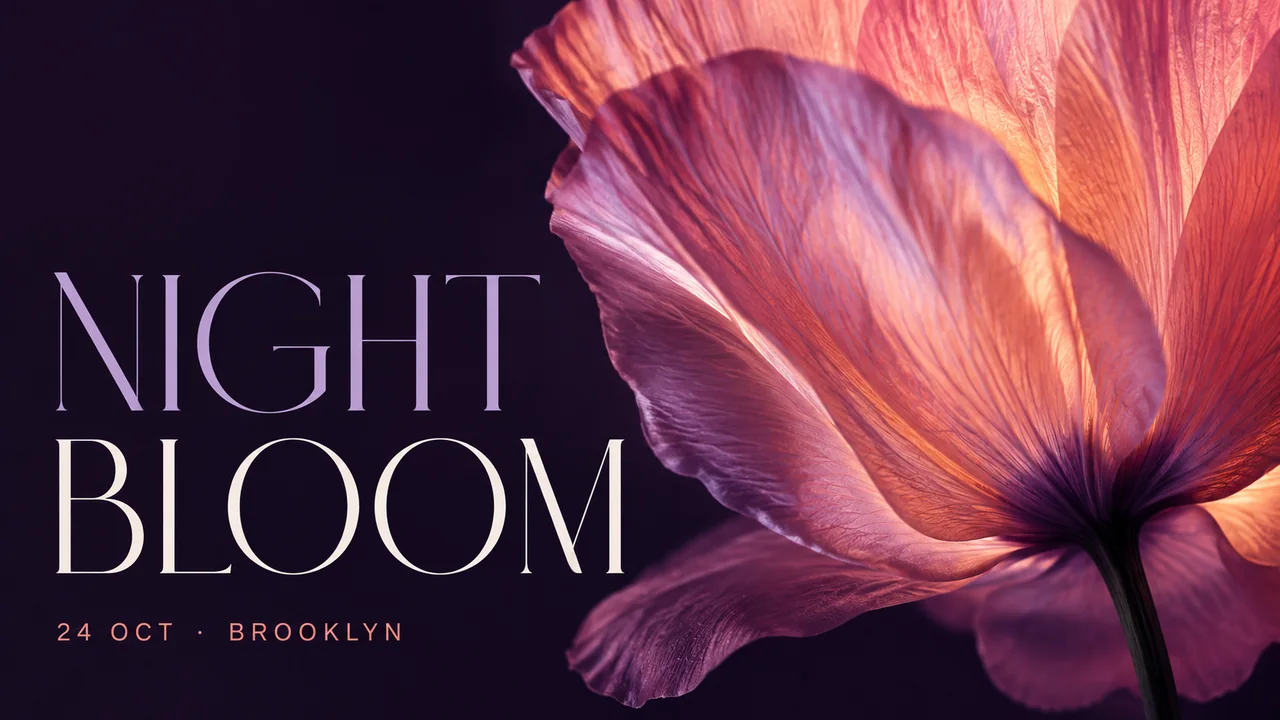
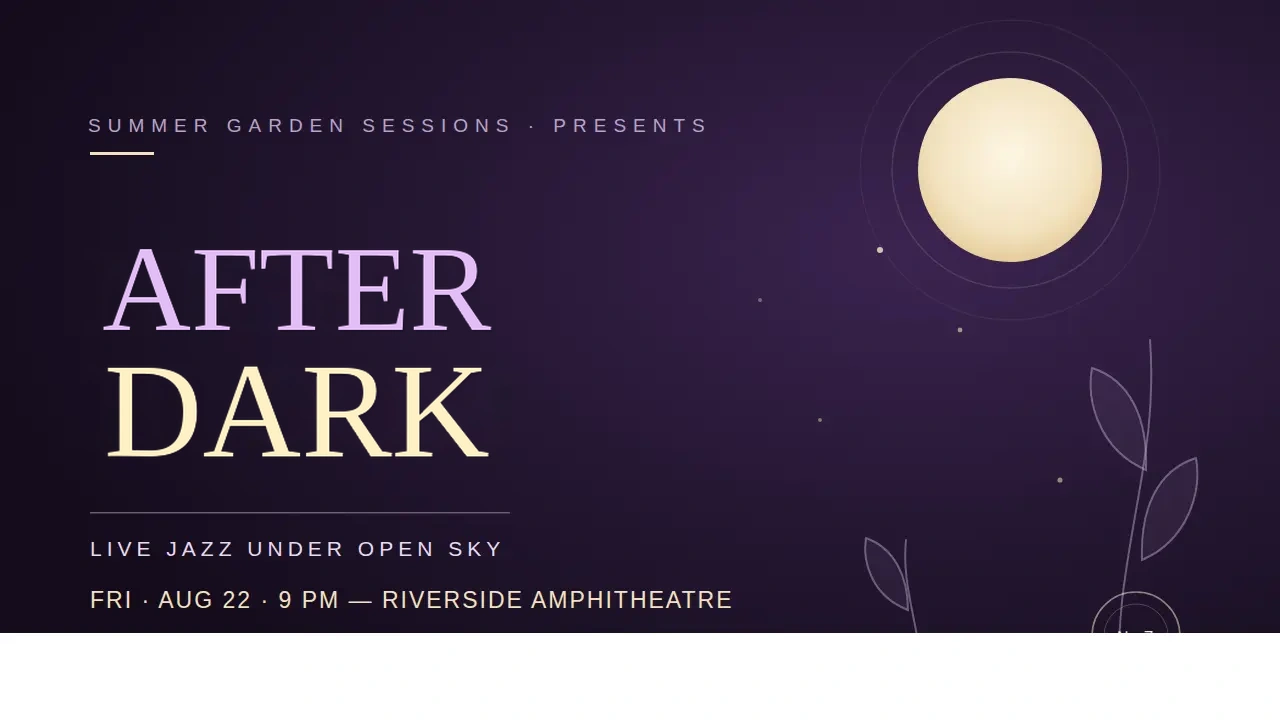 Headline changed · review the full image
How the image text editor works
- 01Upload the image.
- 02Every line of text on it is read and listed.
- 03Type the replacement, check the new words against the original, then download a PNG.
When to edit text in an image
- A poster or banner that needs a different date, price, or name.
- A screenshot with a typo you cannot go back and re-take.
- A mockup you want to show with different copy.
Image text editing questions
Not by default. The model redraws the picture, but only the lines you marked are taken from it — outside them every pixel is your original. On a textured background that can leave a faint edge around the new words; switch the result to Whole redraw to use the model's full picture instead, where small details elsewhere can shift.
Yes. Mark the words in the screenshot and enter replacements. Outside the marked lines the screenshot stays exactly as it was, so the interface around the words is untouched.
About a minute, and 4 credits an edit. You can proofread the result on canvas before you export it.
It tries to draw replacement words in a similar style, but it does not recover a font file or guarantee an exact match. Latin text in clear lettering is the most reliable input.
Every round produces one answer with two views. The default keeps your original pixels outside the marked lines; Whole redraw uses the model's full picture instead. Switching between them is free — it is the same answer, not another round.
Yes. A round is charged when you run it, whichever lines it contains and however many (up to eight). A finished round reopens free from your account page for 24 hours; only a new round is charged.
Start free — signing in gives you 10 credits
No card required. Enough for 2 text edits, before you decide whether any of this is worth paying for.
- Signing in takes one click and costs nothing. The tools need an account to run.
More ways to edit text in images
- Edit image text and match the original lettering.
What an image text editor can and cannot match. Redraw replacement words to resemble the original lettering, then review the full image before export.
- Canva Grab Text or an image redraw?
Compare Canva Grab Text's editable text layers with EditableImage's image redraw, including font matching, output and what to check after editing.
Image text editing guides
- Fix text in an AI-generated image without regenerating it
Re-running the prompt for one wrong word throws away the picture you liked. Mark the words instead, take back only those — every other pixel stays yours.
- A generative fill alternative for changing the words in an image
Generative fill repaints a whole selection. For changing words, mark the exact words and take back only those pixels — the rest of the picture stays yours.