
A generative fill alternative for changing the words in an image
Generative fill repaints everything inside a selection. For changing words, a tool that marks the exact words and keeps only the pixels that changed leaves the rest of the picture yours.
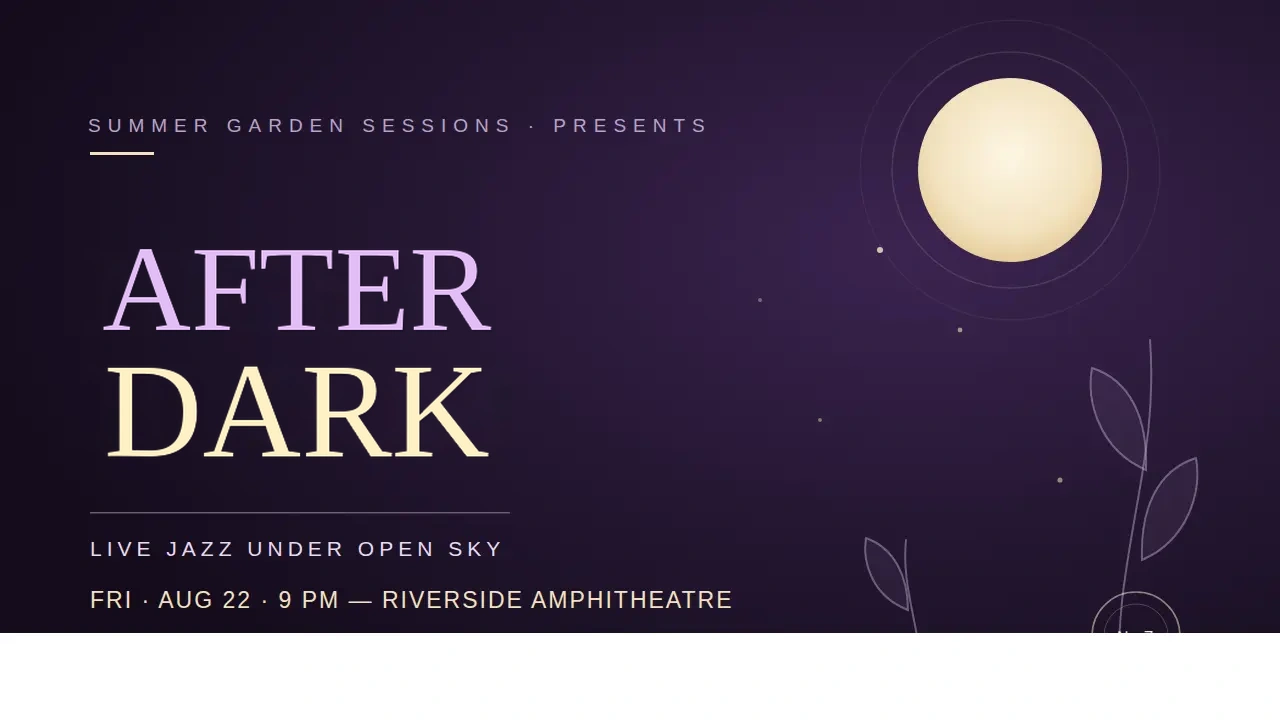
Generative fill is a good tool for changing an image, and the wrong-shaped one for changing the words in it. For words, the better choice is an editor that points the model at the exact text and keeps only the pixels that changed — so the background behind and between the letters stays your original.
That is the short answer. The rest of this post is why the two diverge, and how to tell which one your task is.
What is generative fill actually for?
You select a region, type a prompt, and a model repaints the selection. Adobe's own description of Generative Fill is precise about the job: adding, extending or removing content in an image. Removing a photobomber or extending a sky is exactly that shape of problem, and generative fill is very good at it.
Why does region repainting struggle with words?
The whole selection is repainted, not the letters
Everything inside the selection is regenerated — the words and the ground they sit on. On a flat colour you may never notice. On a gradient, a texture, a rule running through the text or a product edge behind it, the ground comes back reimagined, and the seam lands wherever the selection boundary was drawn.
A prompt is a vague way to point at a word
"Change the date to Friday" has to be matched to pixels by the model, inside a selection that usually holds more than the date. Text rendering is already the known weak spot of image models — improving it is still announced as a headline result, as in OpenAI's introduction of 4o image generation — and an imprecise instruction gives it more room to go wrong.
What does a text editor do instead?
Edit text in an image keeps the model and changes the two things that go wrong:
- The words are marked, not described. Each piece of text to change is boxed on the image the model sees, and the instruction names the box and the new words.
- Only what changed is kept. The model returns a whole picture, but the result takes from it only the pixels that differ along the marked lines. Background inside the box that the model left alone is still the original's, and everything outside is untouched.
Here is the first half of that in the editor: the headline boxed on the picture, and the new words typed against its number rather than described in a prompt.

What that leaves is small enough to see. The difference map for a real edit shows under 4% of a poster changed, all of it in the headline's strokes.
The cost is an edge. Where the kept pixels meet the original on a textured background, a faint outline can show around the new words. The editor's answer is a Whole redraw switch on the result — the model's full picture, no edge, small details elsewhere free to shift. It is the same generation, so the switch is free.
Which should you use?
| Generative fill | Text editor | |
|---|---|---|
| Built for | objects, regions, backgrounds | words on the image |
| How the target is given | a selection and a prompt | the exact words, boxed |
| What is regenerated | everything inside the selection | only the pixels that changed on the marked lines |
| Outside the target | untouched | untouched |
| Where it can show | the selection boundary | a faint edge on textured ground (whole redraw avoids it) |
The decision is not which tool is better. It is which of two questions you are asking:
- "Make this region into something else." Generative fill. The region is meant to change, and plausibility is the standard.
- "Change these words and touch nothing else." A text editor. The picture is meant to survive, and the standard is that nothing but the words moved.
If the question is really about Canva's built-in version of the second one, the comparison with Canva Grab Text covers where a general design tool stops. If the new words must look like the original lettering, that case has its own page.
Questions
- When is generative fill the better choice?
- When the thing you want changed is an object or a whole region rather than words — removing a person, extending a sky, replacing a background. That is what it is built for.
- What does a text editor do differently?
- It marks the exact words for the model, then keeps only the pixels that actually changed along those lines. Background inside the marked area that the model left alone still comes from your original.
- Is either one pixel-perfect?
- Neither is magic. Generative fill leaves everything outside the selection alone but regenerates everything inside it. A text editor keeps less of the model's picture, but its edge can show on a textured background — which is why it offers the model's whole redraw as a fallback.