
Real images, and the editable files they became
Every example below is one run of the tool, shown as the file it exported: the PPTX rendered by LibreOffice, the Draw.io file opened in diagrams.net, the Markdown as the text it holds. Nothing is retouched afterwards. Each one says what came back and what to check, and where there is a file, you can download it and open it yourself.
Image to PPTEditable PPTX
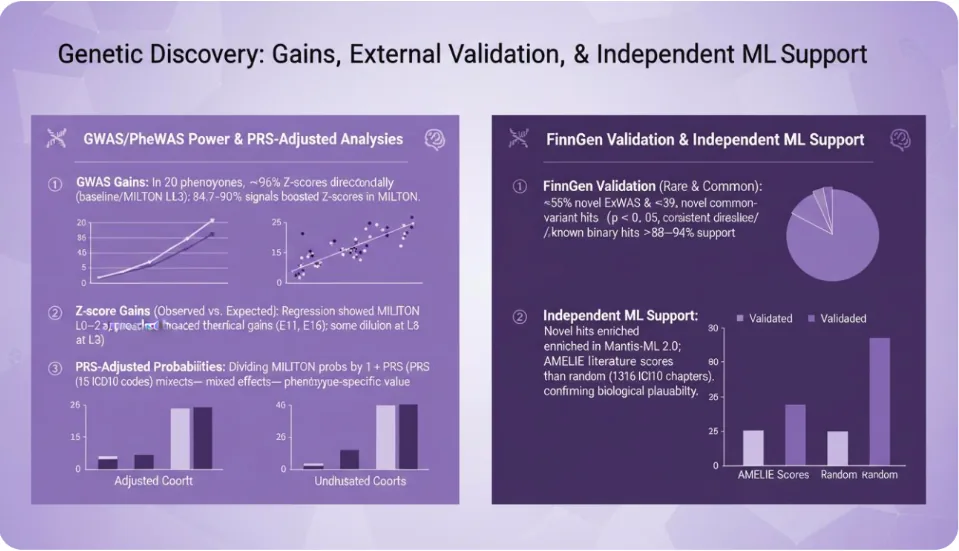
An AI-generated research slide
A 959×551 slide generated by an image model: two panels of findings with small charts.
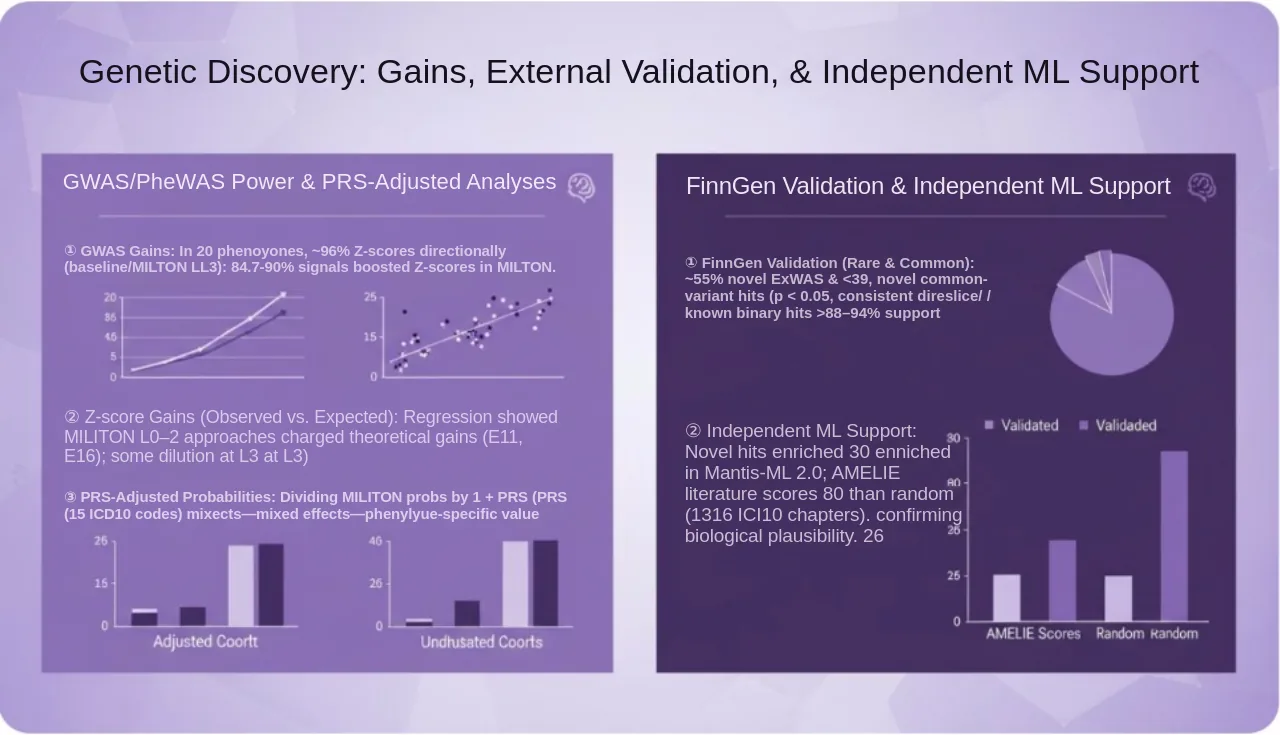
- 16 objects
- 8 text boxes
- 8 pictures
- 4 credits
- Run 2026-10-30
What to check. The slide came out of an image model, so some of its words are not real words; they are read as they appear, not corrected. Every chart is a picture, and the headings, numbered findings and axis captions come back as text. Run on editableimage.com from the maker's own account.
Download the PPTX (168 KB)Try Image to PPT with your own image
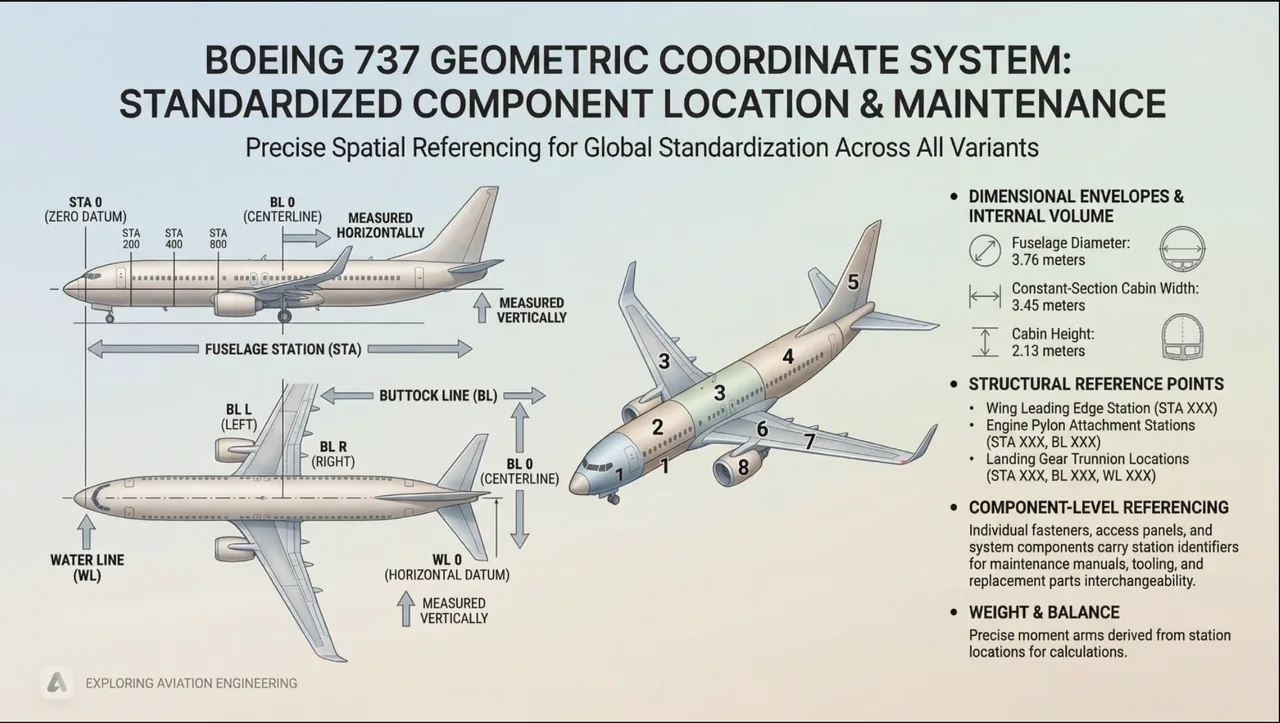
An illustrated technical slide
A 2202×1244 slide generated by an image model: a two-line title, three aircraft drawings with callouts, and a column of bullets.
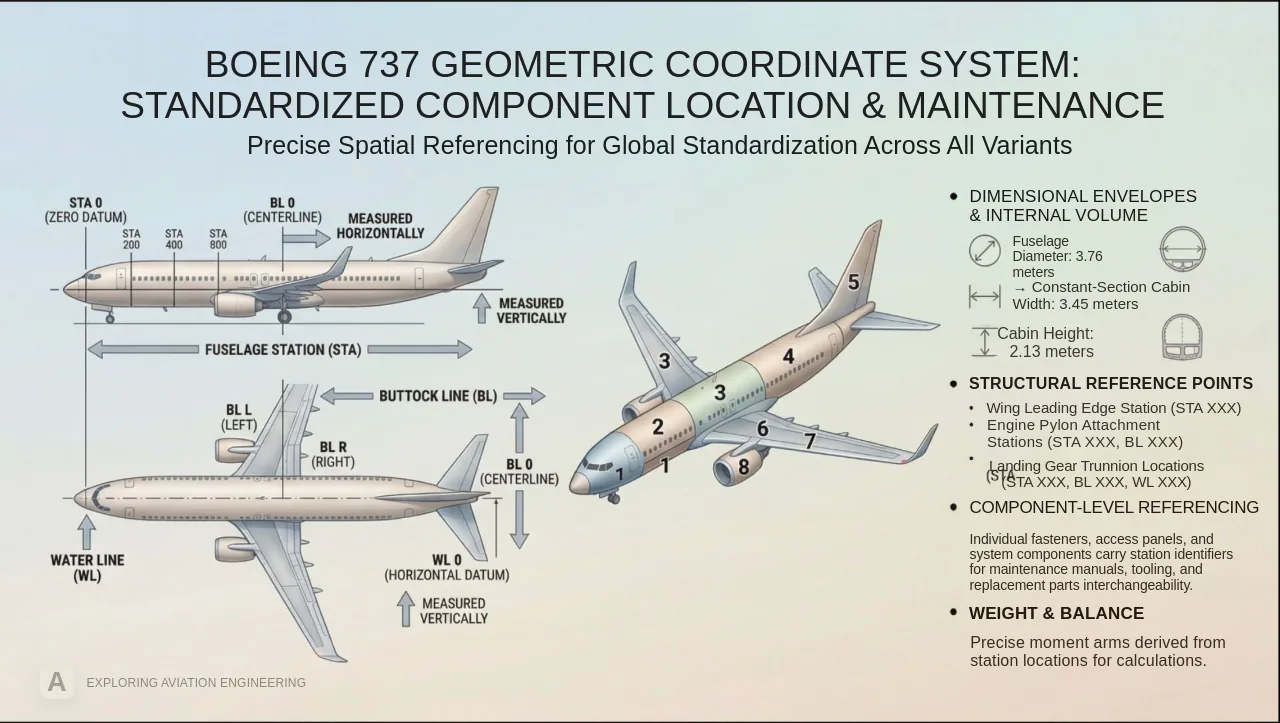
- 23 objects
- 16 text boxes
- 7 pictures
- 4 credits
- Run 2026-10-30
What to check. The aircraft drawings keep their callout labels as part of the picture; the title and the bulleted column come back as text with the bold headings kept. Two lines of the structural list run together and one bullet marker lands a line early, which is a quick fix in PowerPoint. Run on editableimage.com from the maker's own account.
Download the PPTX (1.4 MB)Try Image to PPT with your own image
A Chinese slide with decorative frames
A 2752×1536 slide generated for testing: Chinese headings and bullets inside illustrated panels.
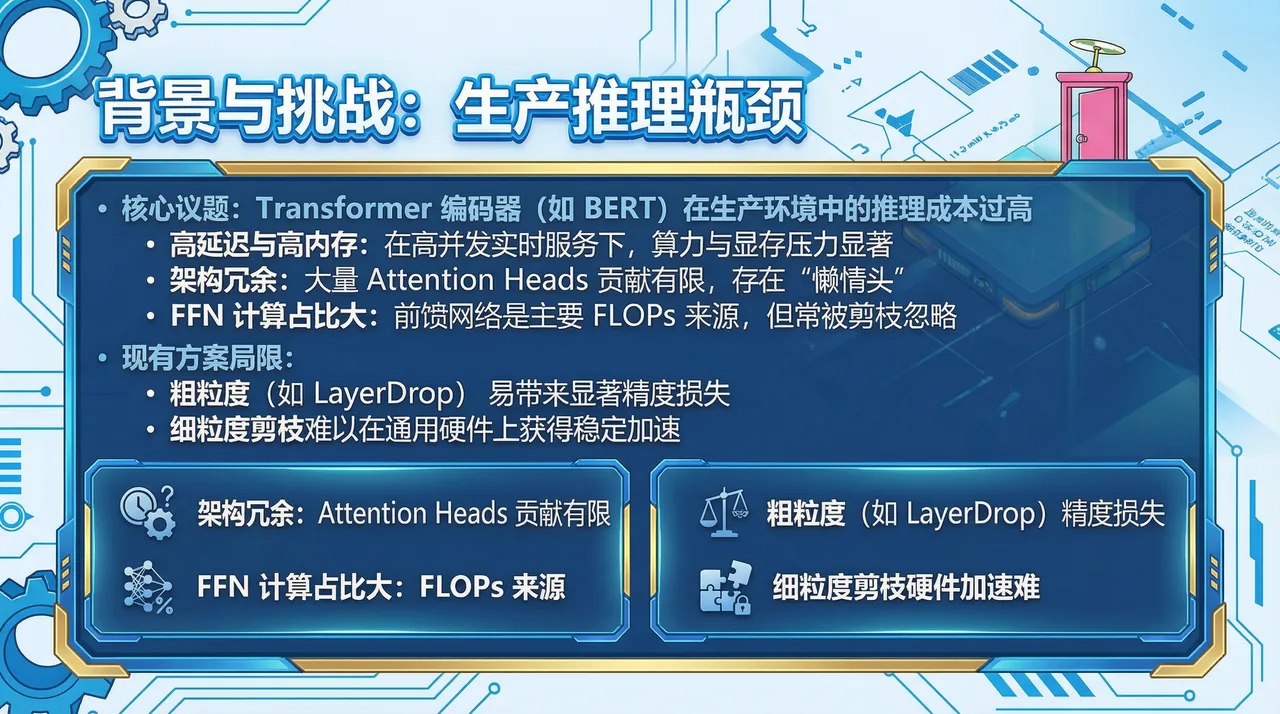
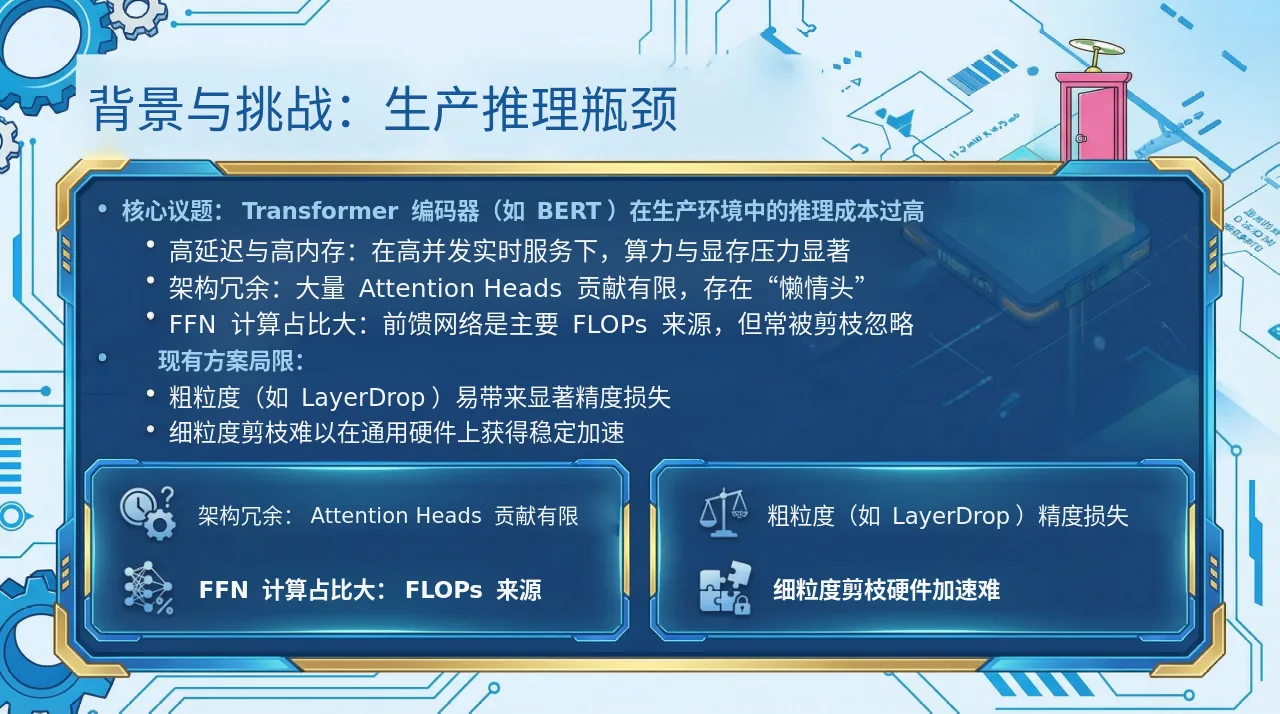
- 15 objects
- 9 text boxes
- 6 pictures
- 4 credits
- Run 2026-10-29
What to check. Mixed Chinese and Latin text is read line by line, bold runs included. The ornate frames, icons and background are pictures. Fonts are substituted, so the heading loses its outlined style. Run on editableimage.com from the maker's own account.
Download the PPTX (743 KB)Try Image to PPT with your own image
A NotebookLM slide with an illustration
Page 4 of a five-slide Chinese deck made with Gemini Notebook (NotebookLM) and downloaded as a PDF, drawn at 2048×1143 in the browser: a title, three labelled boxes, a robot illustration and a side panel.
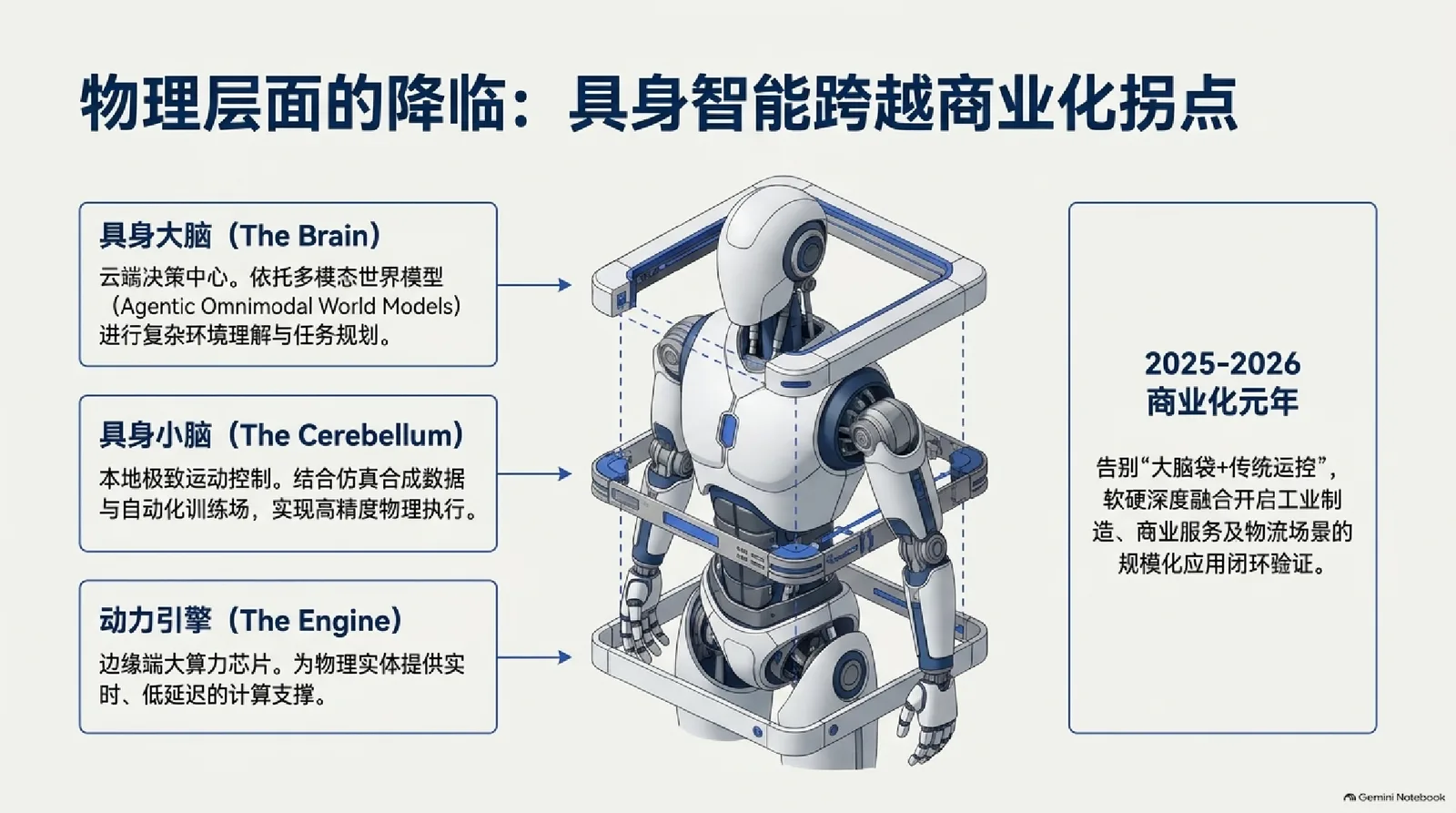
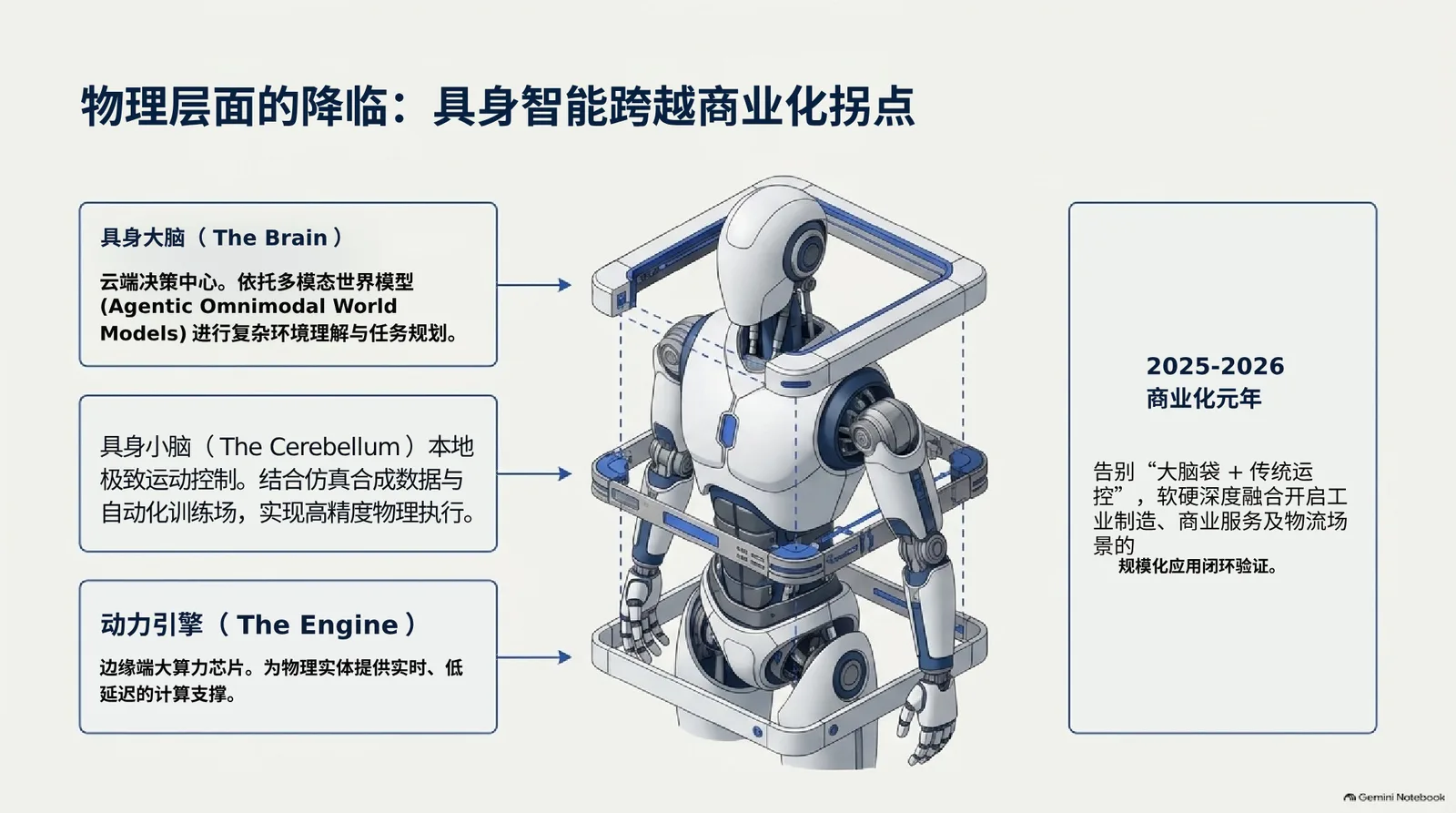
- 18 objects
- 9 text boxes
- 6 pictures
- 50 s
- 4 credits
- Run 2026-11-08
What to check. Every line of writing came back as text, Chinese and English alike, and the robot stays a picture. The middle box's heading was merged with its text into one box without its bold, and the side panel's last line is a box of its own, so two places to tidy in PowerPoint. Run from a developer build on the same code and models that serve the site.
Download the PPTX (873 KB)Try Image to PPT with your own image
Image to Draw.ioDraw.io XML
A system diagram with a grouped region
A 1280×720 architecture diagram authored for the site: three tiers, a dashed group, cylinders and a sticky note.
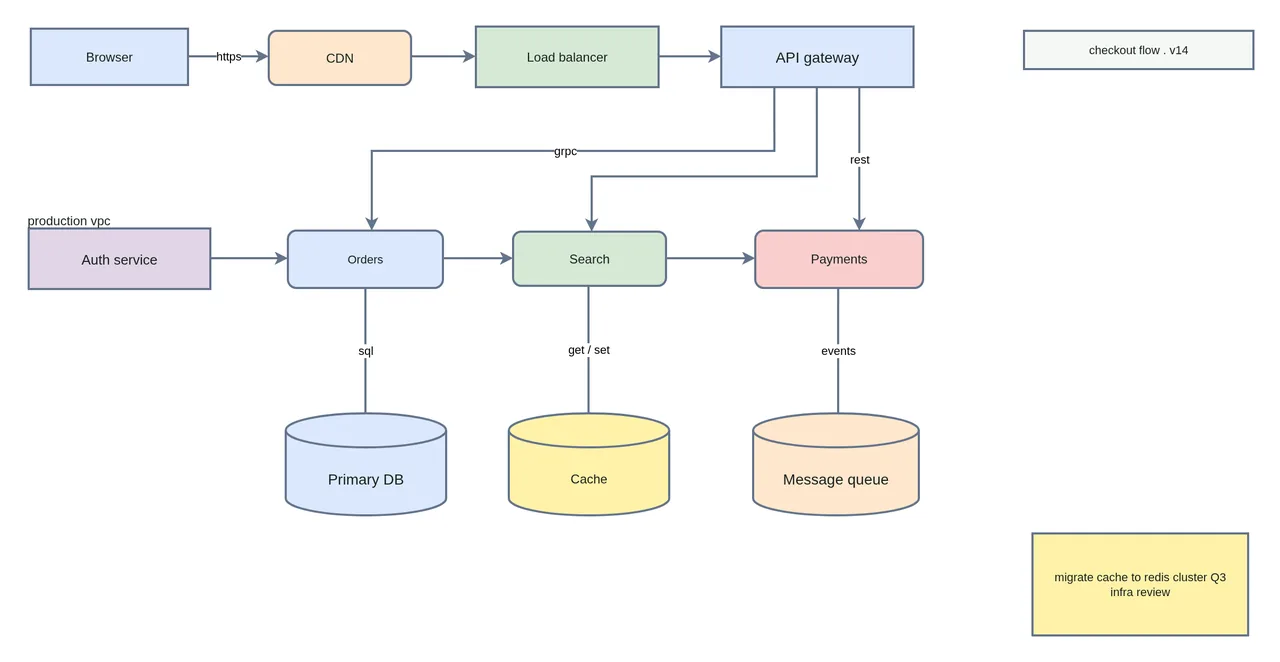
- 13 nodes
- 12 connectors
- 15 labels
- 4 credits
- Run 2026-10-30
What to check. The dashed “production vpc” group box is not recovered, although its label is. The two lines on the sticky note come back as one label. Everything else, including the edge labels, is in place and the connectors stay attached when a node is moved.
Download the .drawio (10 KB)Try Image to Draw.io with your own image
A coloured flowchart with two loops
A 584×568 flowchart exported from a diagram tool: twelve steps, two decisions and two loops back.
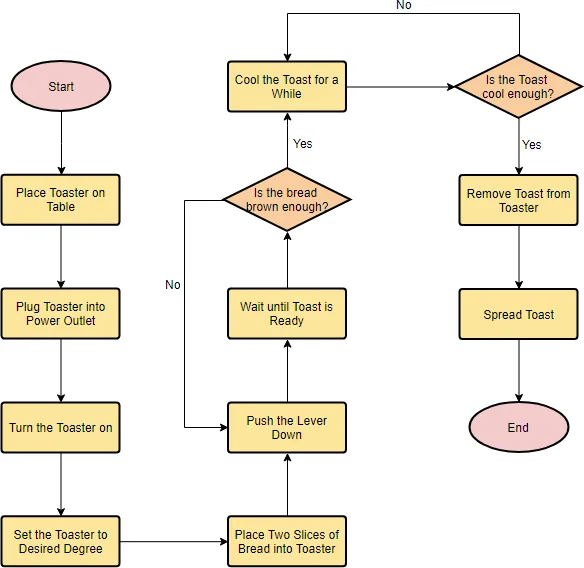
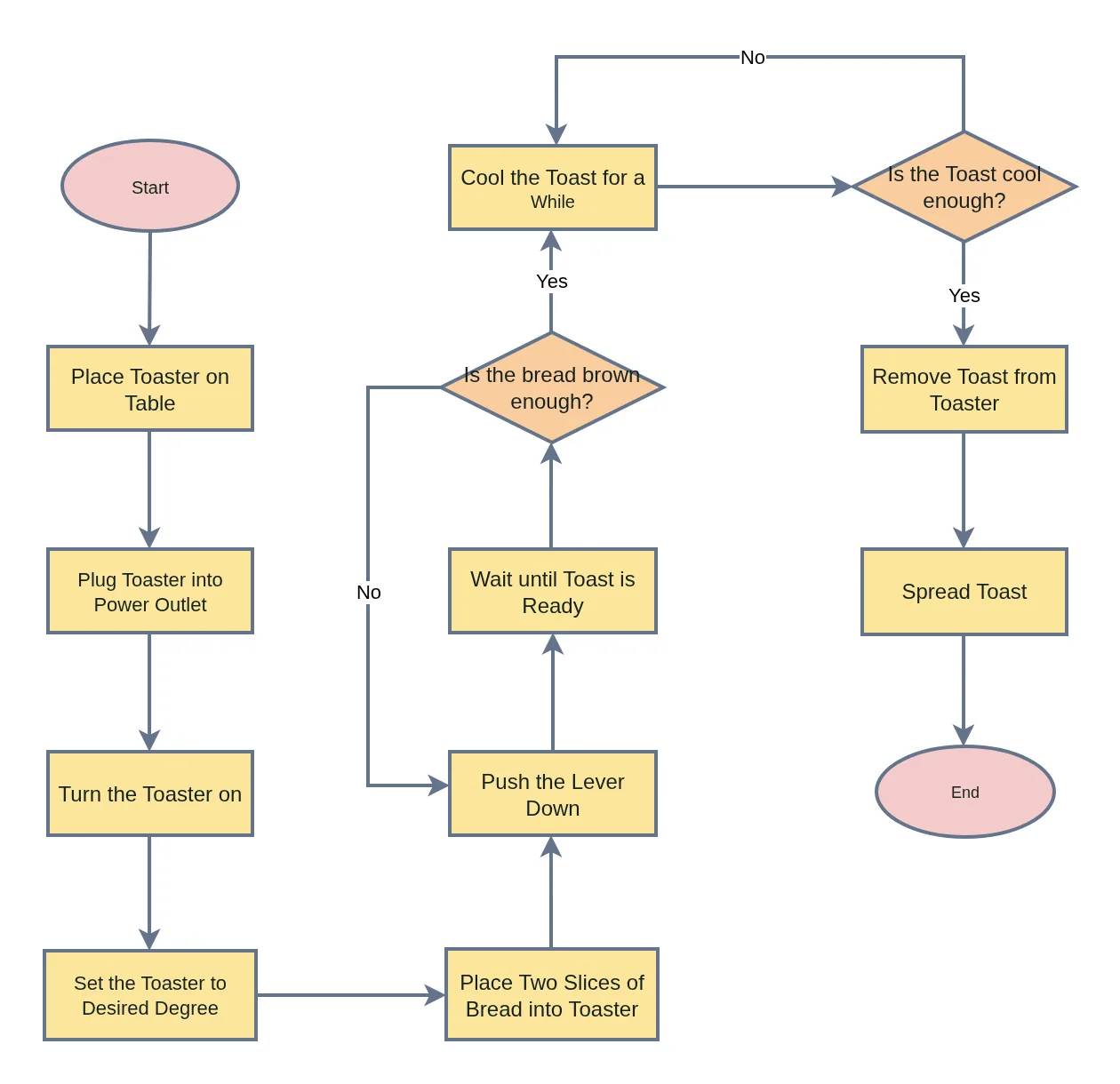
- 14 nodes
- 15 connectors
- 15 labels
- 4 credits
- Run 2026-10-30
What to check. Every node, every connector and both loops, with the fill colours and the Yes and No labels. One label wraps on a different word than the original. Run on editableimage.com from the maker's own account.
Download the .drawio (12 KB)Try Image to Draw.io with your own image
A Chinese flowchart on a grid
A 784×955 flowchart on a grid background: two parallel columns, two decisions and three loops, labelled in Chinese.
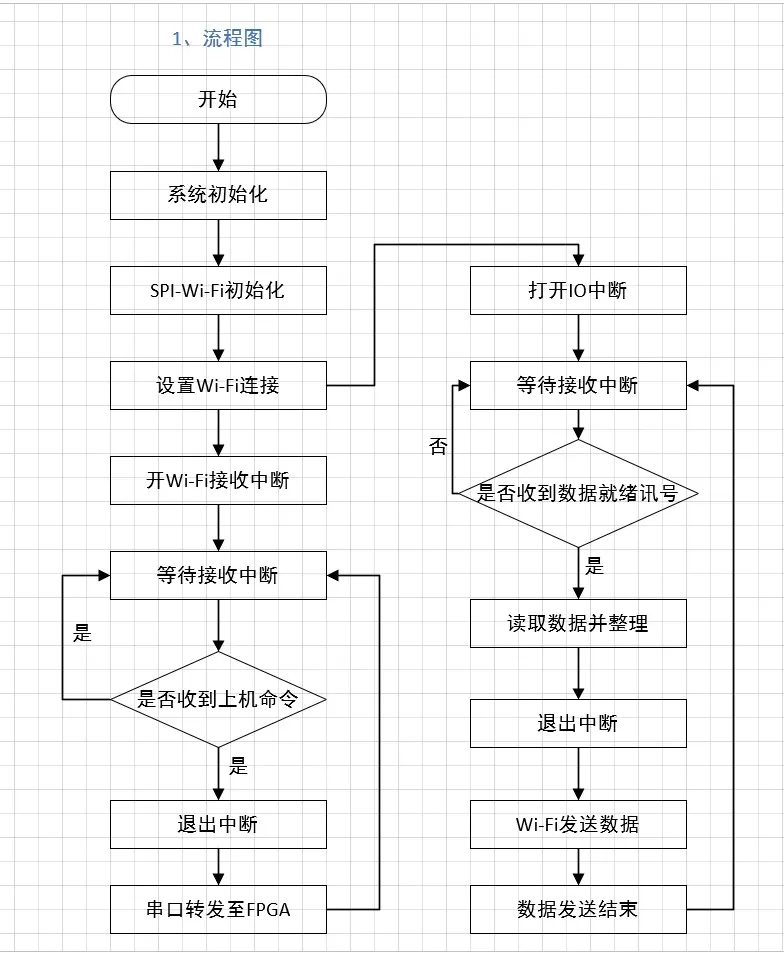
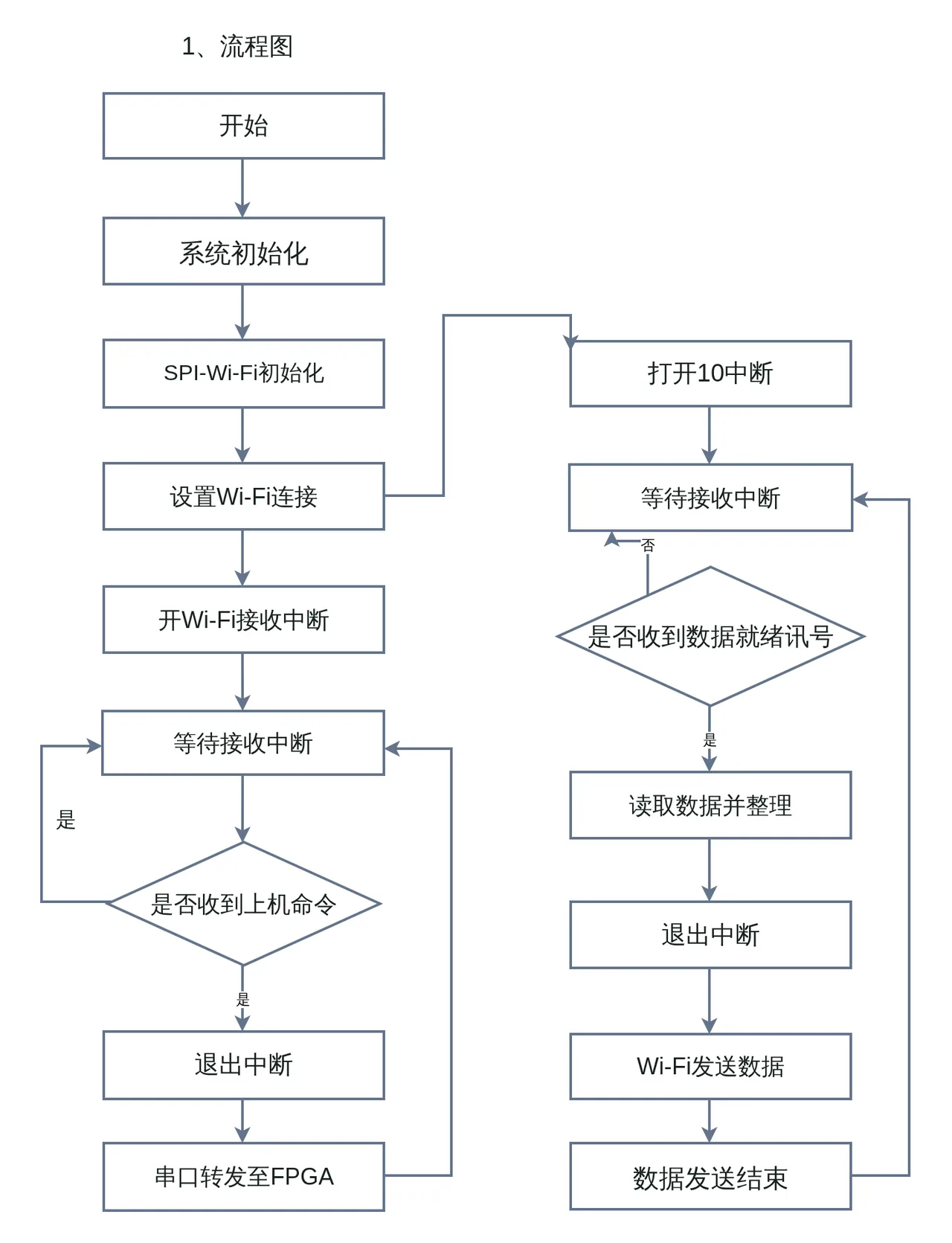
- 16 nodes
- 18 connectors
- 18 labels
- 4 credits
- Run 2026-10-30
What to check. All sixteen boxes, both decisions and all three loops, with the Chinese labels read correctly and the grid left behind. One label reads “IO” as “10”, and the page title is kept as a loose label. Run on editableimage.com from the maker's own account.
Download the .drawio (14 KB)Try Image to Draw.io with your own image
A whiteboard photo
A photo of a whiteboard flowchart in marker, generated for the site at 2560×1440: six hand-drawn shapes, a yes and a no branch.
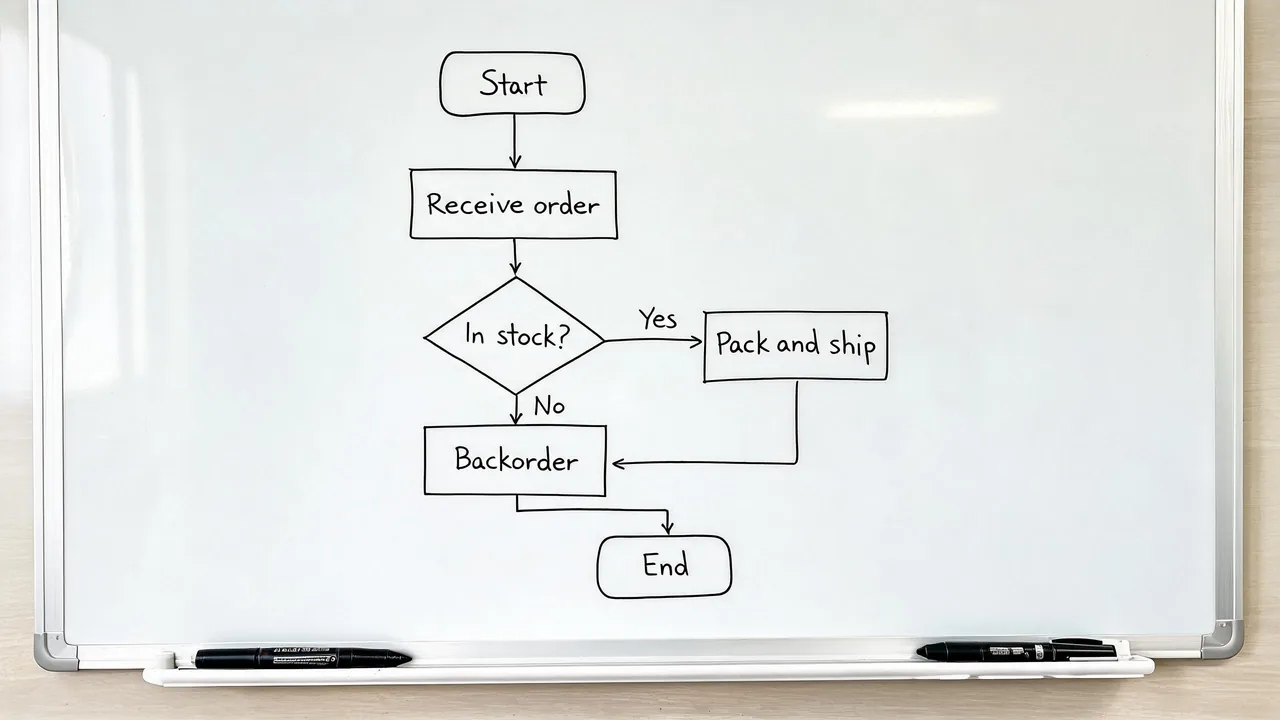
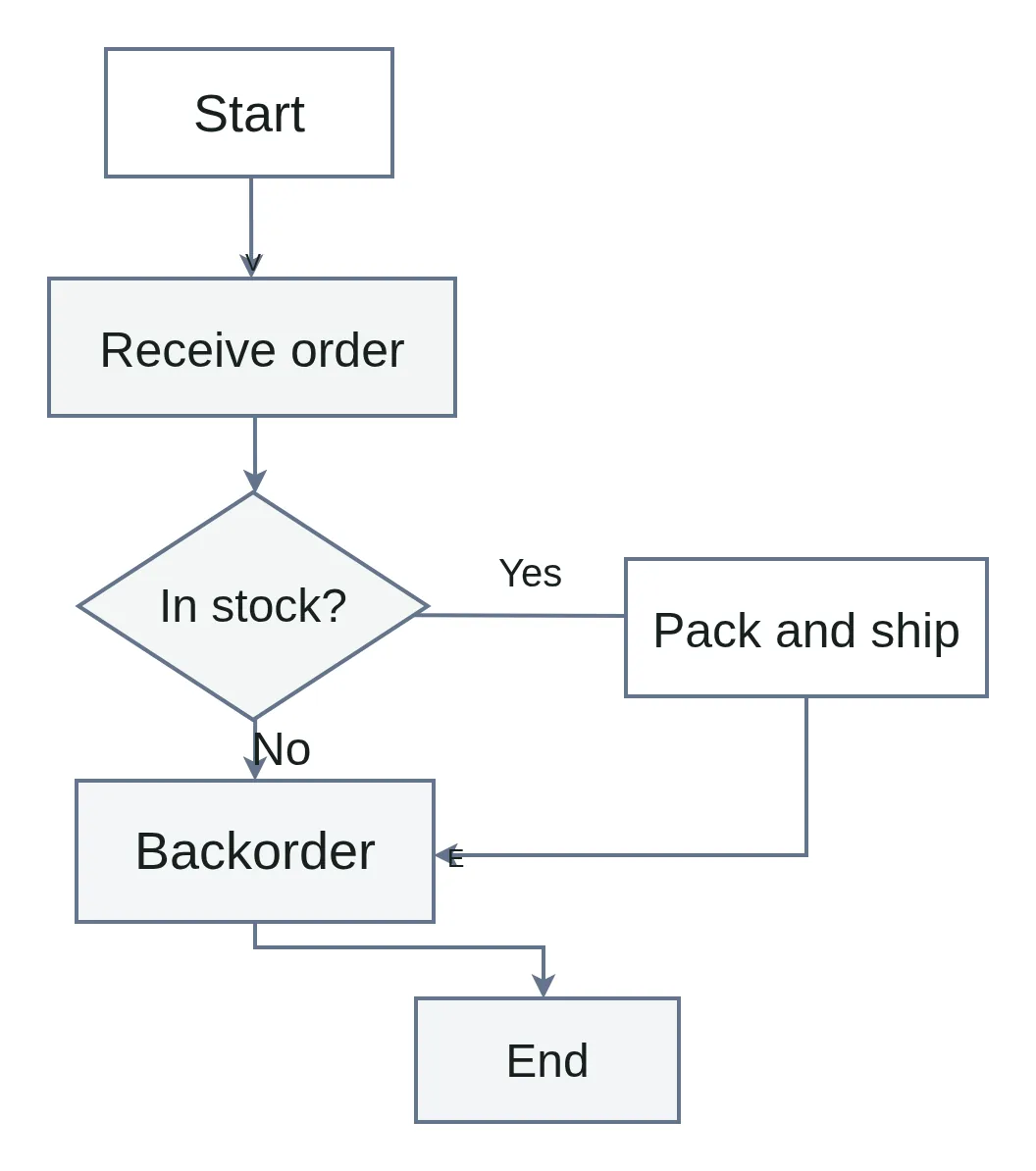
- 6 nodes
- 6 connectors
- 10 labels
- 4 credits
- Run 2026-10-30
What to check. Every shape and every connector, with the Yes and No labels. The rounded terminators come back as rectangles, and one arrowhead was read as a stray letter “E” beside Backorder, which is one label to delete.
Download the .drawio (6 KB)Try Image to Draw.io with your own image
Edit text in an imagePNG
A poster headline rewritten
A 1280×720 poster made for the site: a two-word display headline over an illustrated night scene.

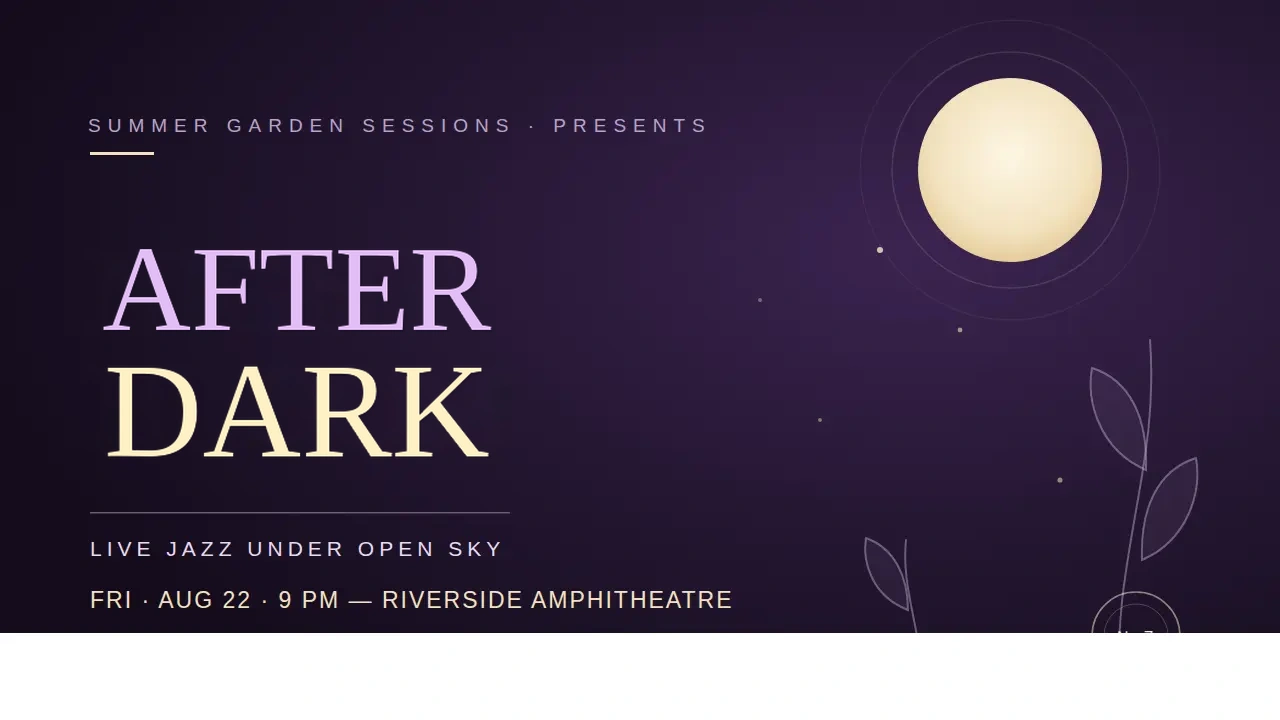
- 1 headline changed
- 4 credits
- Run 2026-09-22
What to check. Only the marked lines are redrawn; outside them every pixel is the original. The replacement imitates the lettering rather than using its font, so look closely at letter shapes before publishing.
A screenshot headline, one word longer
A 1280×720 screenshot of a web page: a bold white display headline over a dark grid, with a badge above it and body copy below.
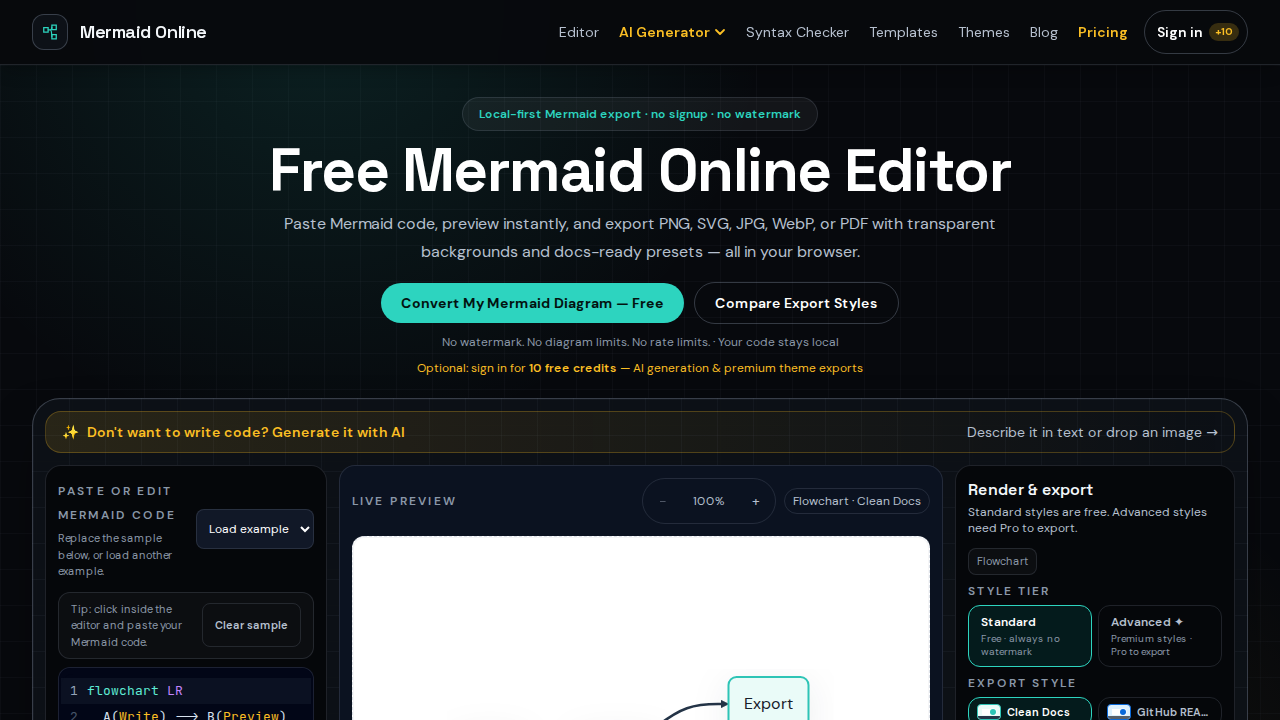
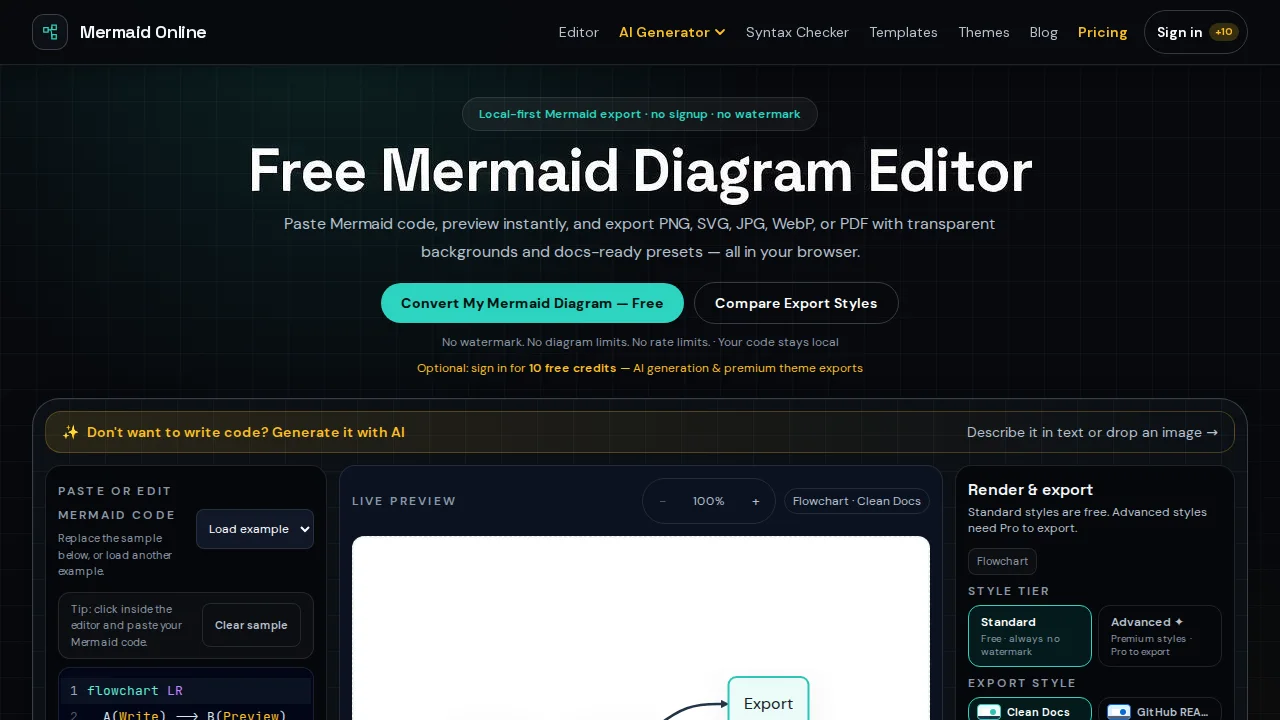
- 1 headline changed
- 0 pixels changed outside it
- 61 s
- 4 credits
- Run 2026-11-01
What to check. Counted on the PNG download: of the 921,600 pixels outside the headline, none differs from the original. The new word is longer than the old one, so look at both ends of the line. Run from a developer build on the same code and models that serve the site.
Image to LayersPNG or PSD
A perfume ad, every element on its own layer
A 1122×1402 perfume poster generated with an image model for the maker's own tests: a bottle, a calla lily, a pink disc, a two-line headline and small print. Whole image separated.
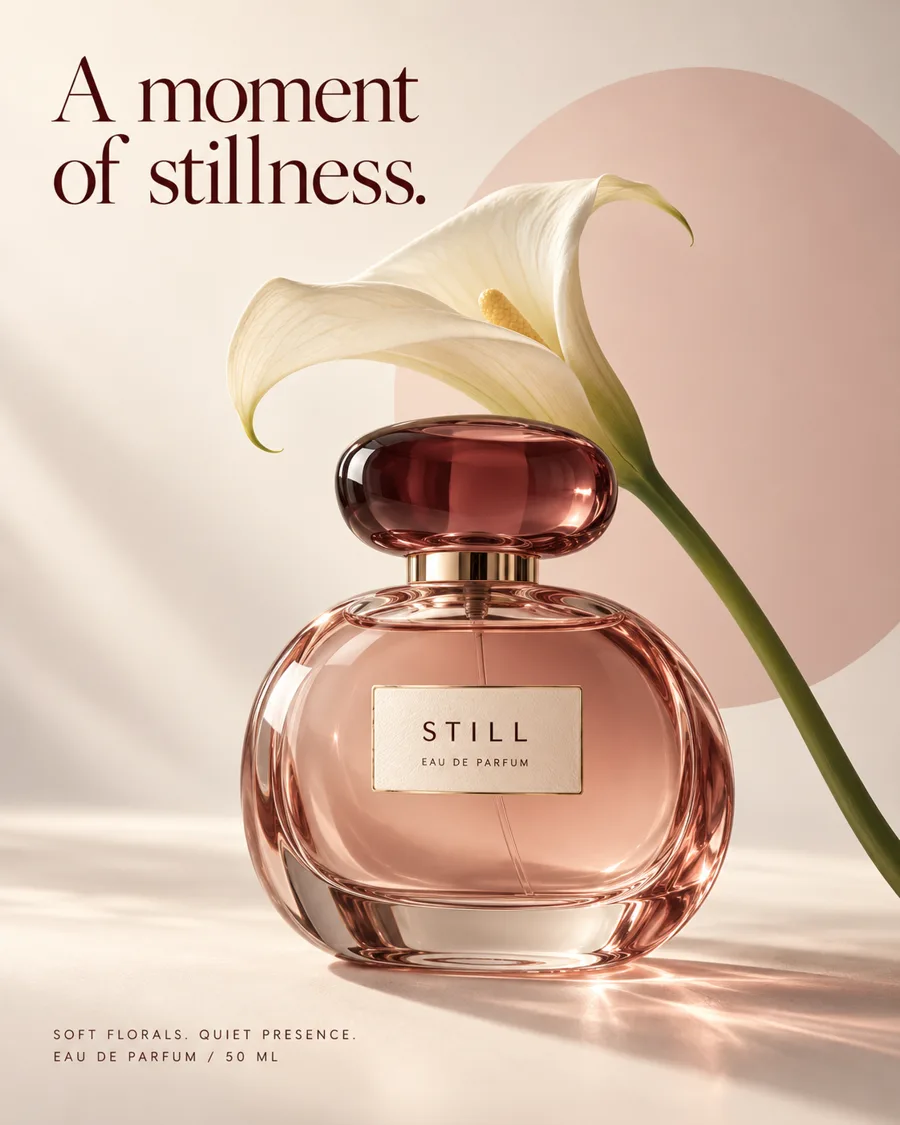

Every layer, bottom to top

1. BackgroundRebuilt background 
2. Pink discCutout 
3. Calla lilyCutout 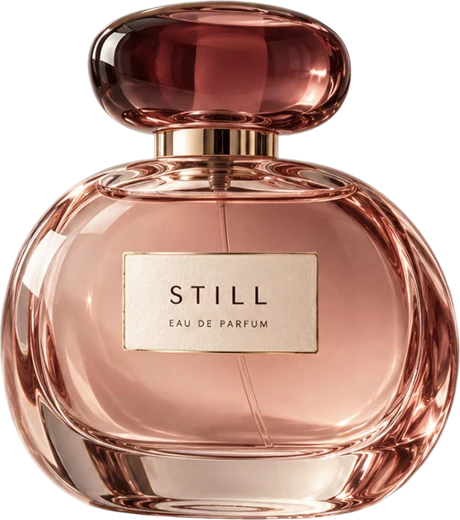
4. Perfume bottleCutout 
5. HeadlineText 
6. Bottle labelText 
7. Small printText
- 7 layers
- 3 cutouts
- 3 text layers
- 124 s
- 14 credits
- Run 2026-11-02
What to check. Every layer is redrawn, so the stack is close to the original rather than identical: the disc comes back a lighter pink, and the light falling across the table under the bottle is softer. The bottle's label is a layer of its own, so it can be moved off the glass. Run on editableimage.com from the maker's own account.
Download the 7 layers as PNGs (1.4 MB ZIP)Try Image to Layers with your own image
An illustrated greeting card
A 1122×1402 Christmas card generated with an image model for the maker's own tests: a kitten in a Santa hat, a gift box, a pink disc, a bubble-letter headline and a one-line greeting. Whole image separated.


Every layer, bottom to top

1. BackgroundRebuilt background 
2. Pink discCutout 
3. Greeting lineText 
4. Gift boxCutout 
5. KittenCutout 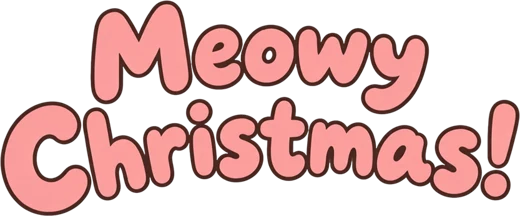
6. HeadlineText
- 6 layers
- 3 cutouts
- 2 text layers
- 199 s
- 12 credits
- Run 2026-11-02
What to check. The kitten and the gift box come back as whole cutouts, so either can be moved and the background behind it is already filled in. Every layer is redrawn: the disc comes back a lighter pink and loses its lower edge behind the kitten, and fur and ribbon edges are worth a look against a dark background before reuse. Run on editableimage.com from the maker's own account.
Download the 6 layers as PNGs (1.4 MB ZIP)Try Image to Layers with your own image
A halftone poster
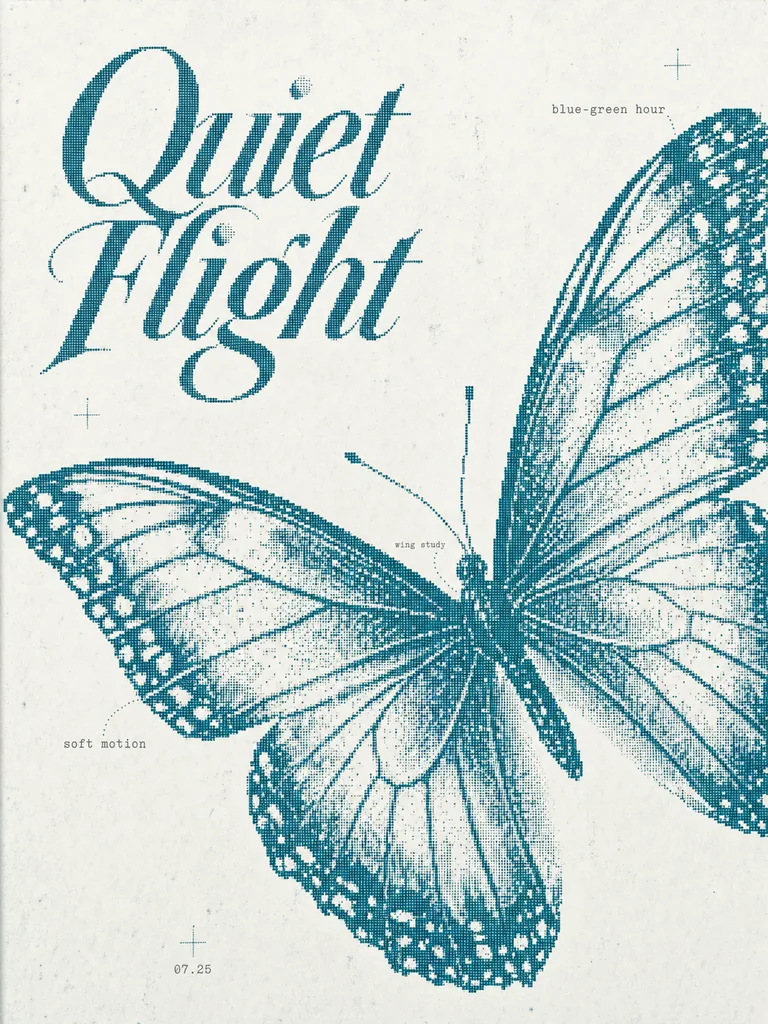
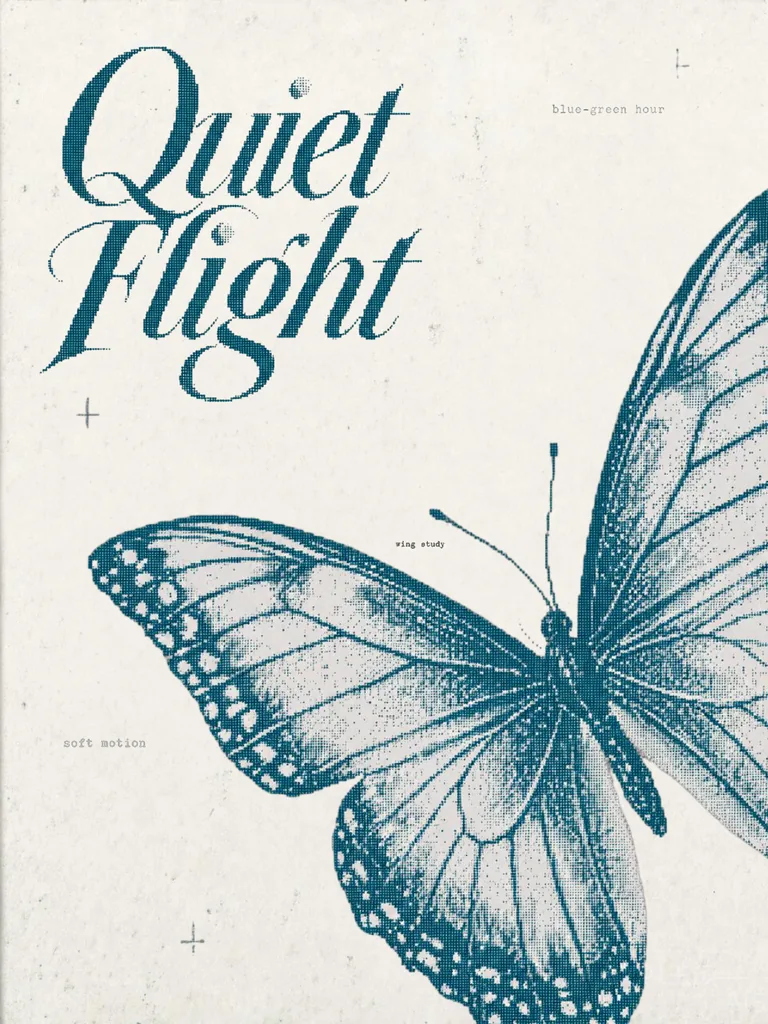
A 1086×1448 poster made for the site: a butterfly, a display title, four small labels and crosshair marks.
- 8 layers
- 293 s
- 16 credits
- Run 2026-09-28
What to check. The shown picture is the tool's own download after the butterfly was dragged and the “07.25” label hidden. Every layer is redrawn, so compare fine detail such as the halftone dots with the original before using a layer at full size.
Image to TextMarkdown or TXT
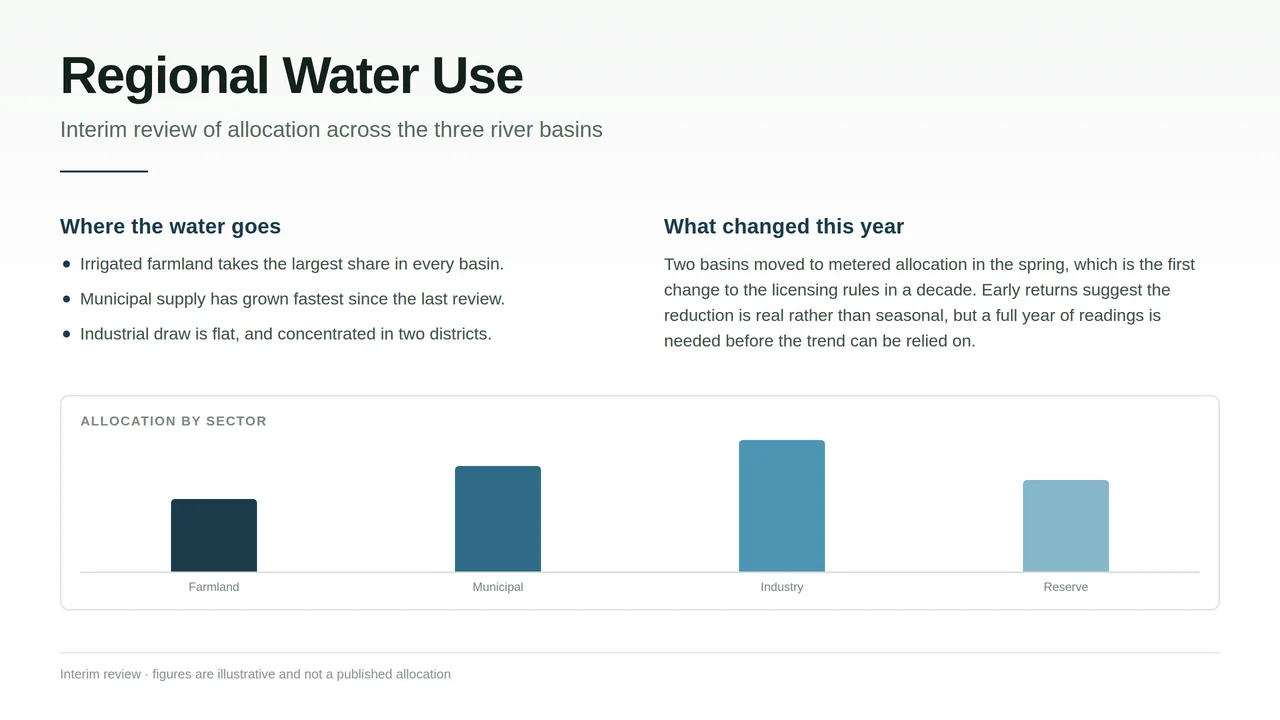
A report page with headings, bullets and a chart
A 1280×720 report page authored for the site: a title, a subtitle, two columns of text and a bar chart.
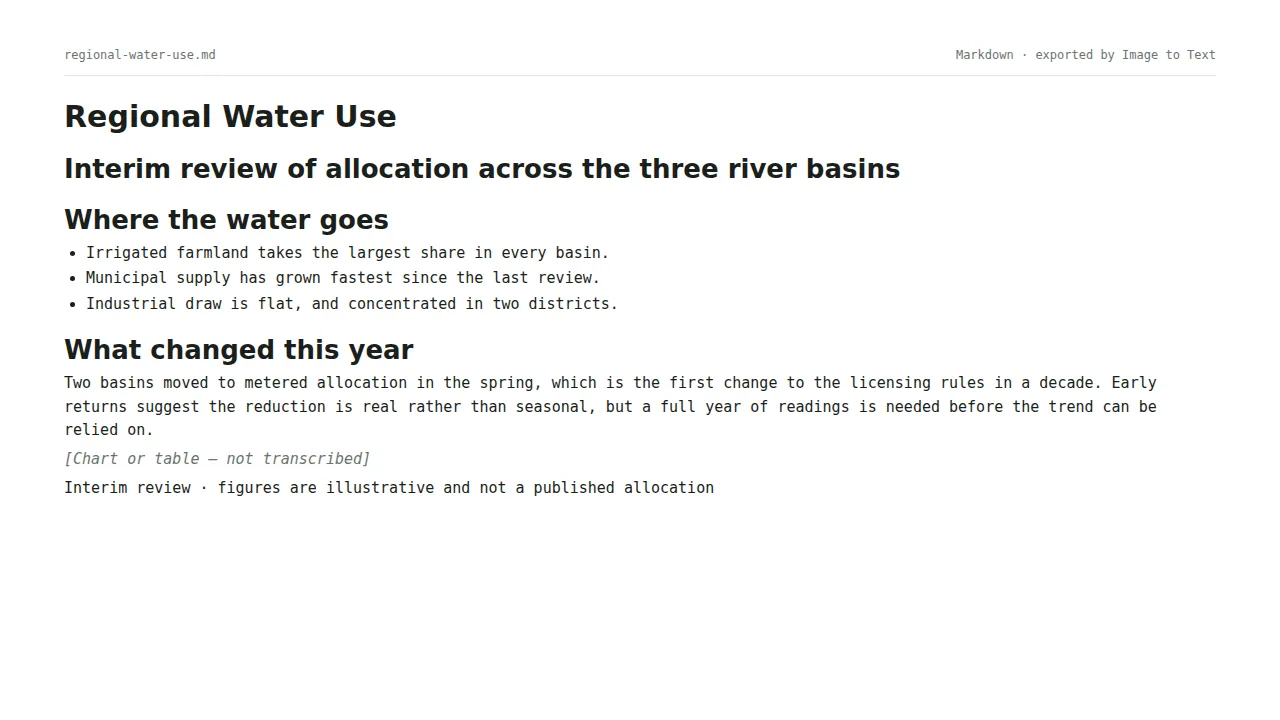
- 10 blocks
- 118 words
- 18 s
- 1 credit
- Run 2026-10-30
What to check. Headings stay headings and the bullets stay a list. The subtitle is read as a heading rather than a paragraph, and the chart is left as a placeholder line rather than transcribed.
Download the Markdown (1 KB)Try Image to Text with your own image
How these were made
The inputs are ours to publish: authored for the site, screenshots of the maker’s own sites, or generated for the purpose. The images people upload belong to them and are never shown. Each run went through the same pipeline the tools use, from the maker’s own account, and the counts above were read from the workspace the run saved. 14 examples so far; more are added as the tools change.