
Image Color Changer
Replace one color across your image. Fine-tune the tolerance and keep transparency.
One image. Room to keep creating.
Crop, resize, adjust and annotate in one free editor.
Drop or paste · PNG, JPG or WebP · up to 20 MB and 12 megapixelsChange color of image online: practical examples
See where this tool helps, which settings matter, and what to check before downloading.
Change a logo color and keep transparency
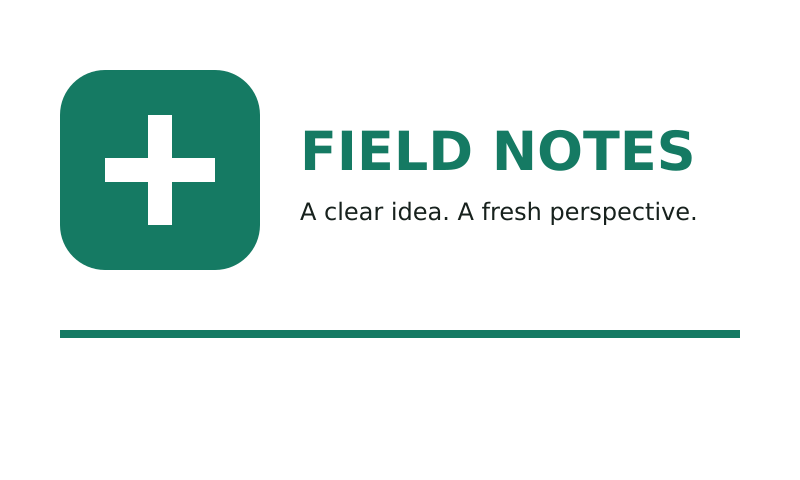
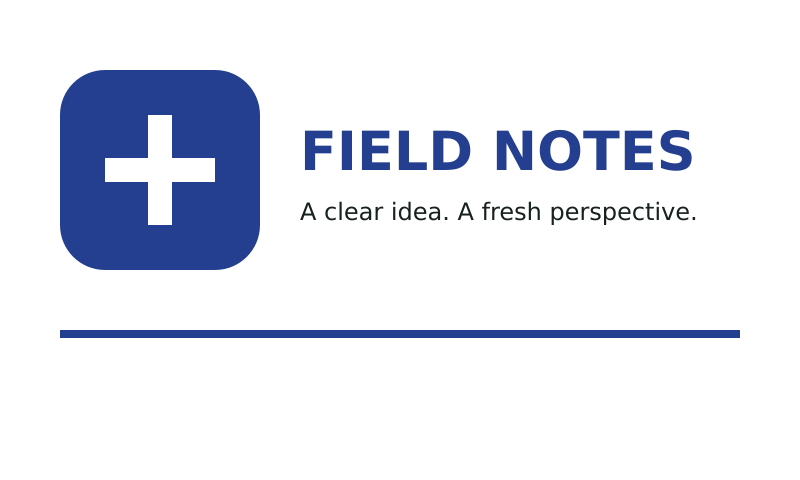
This example replaces a solid green with blue across a transparent PNG. Choose a source color from the image, select the replacement and apply the change. The shape and transparent background remain intact. This works particularly well for simple logos, icons and flat illustrations.
Understand what tolerance changes
Antialiased edges and compressed images can contain colors close to the one you picked. Raise tolerance gradually to include similar pixels. A wider tolerance can also change unrelated areas, so inspect the complete image. This tool matches colors throughout the picture; it does not select a semantic object or preserve photographic shading automatically.
How to use this free tool
- 01
Open your image
Choose a PNG, JPG or WebP, drag a file onto the upload area, or paste a screenshot. The limit is 20 MB and 12 megapixels.
- 02
Make the edit
Replace a solid logo color while preserving transparency. Pick the source color, choose the replacement and start with a low tolerance.
- 03
Review and download
Inspect the result, undo anything you want to change, and export PNG, JPG or WebP. Keep working in the same editor when you need another adjustment.
Settings worth understanding
Source and target
Pick the color already present in your image, then choose the color that should replace it.
Tolerance
Higher values include more similar colors. Review all matching areas, not just the object you first clicked.
Editable annotations
Replacement acts on the composite image. Undo restores the previous version with its editable annotations.
| Format | Useful for | Transparency |
|---|---|---|
| PNG | Logos, diagrams and crisp screenshots | Preserved |
| JPG | Photos and opaque images | White background |
| WebP | Browser-friendly image delivery | Supported |
Finish the small edit. Recover the editable content.
Crop, resize, pick colors and add new text for free. Changing words already embedded in a picture or recovering independent objects requires a different workflow. AI tools use an account and credits; the price is shown before you run them.
Change color of image online: common questions
What does color tolerance do?
Tolerance controls how similar a pixel must be to the source color. Increase it gradually to include nearby shades, checking that unrelated areas remain unchanged.
Can I recolor one object automatically?
This is a matching-color operation across the whole image, not object detection. Color replacement merges current annotations into a new bitmap version; Undo restores the previous editable version.
Are images uploaded?
Free edits run on your device. If you choose an AI workflow, the target tool handles its own processing, account and credit requirements. Opening a tool does not run a conversion.
Can I continue editing?
Switch between tools without reuploading. Your local session and undo history can be restored for 30 minutes. Download your result to keep it.
Which export should I choose?
PNG keeps transparency. JPG uses a white background. WebP is another browser-friendly option. Browser exports may omit original metadata and color profiles.
Can these tools recover editable objects?
Basic tools edit pixels and annotations. Use Image to PPT, Image to Draw.io or Image to Layers when you need structured editable content.